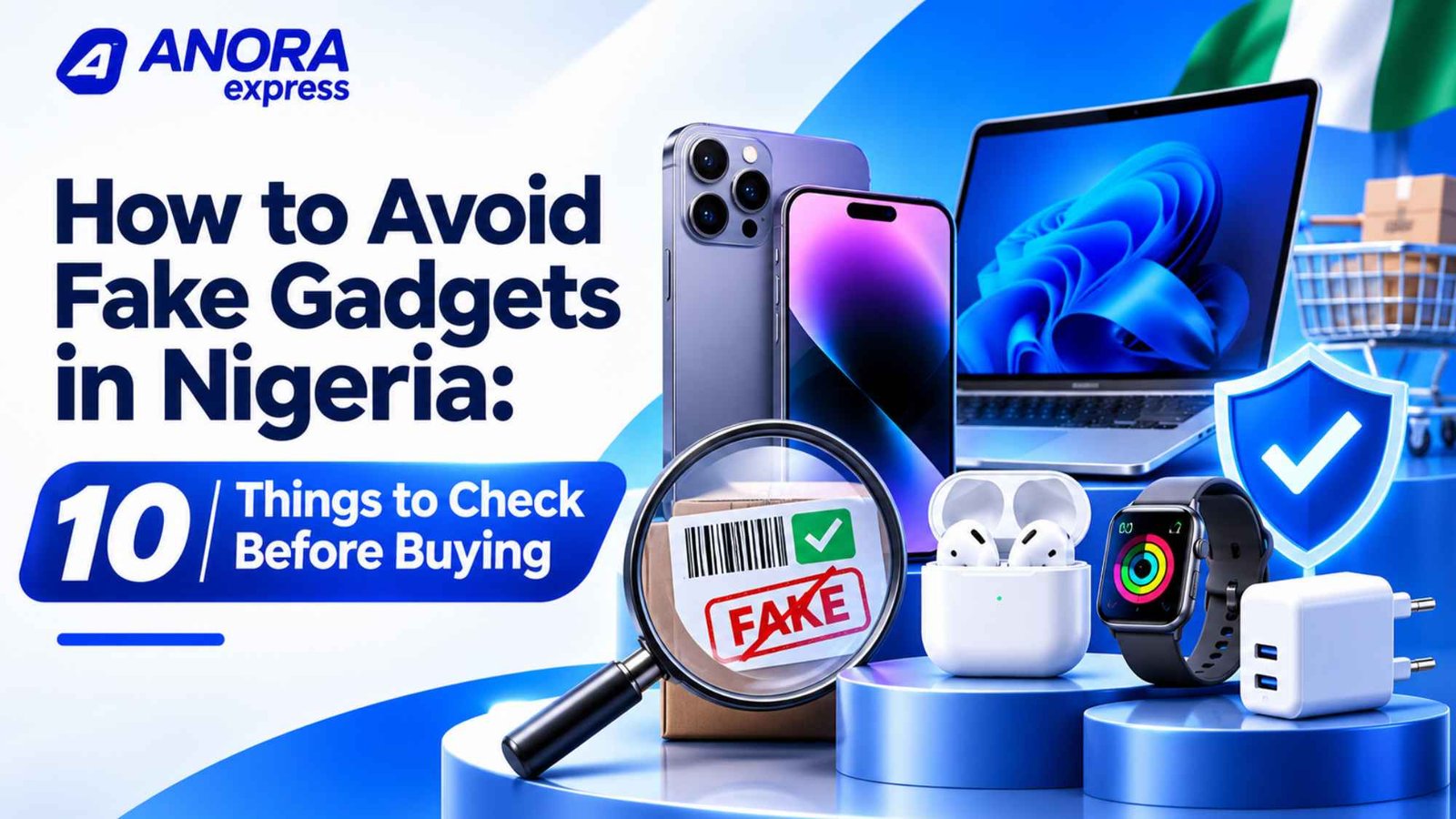
Buying a new smartphone, laptop, smartwatch or pair of wireless earbuds should be exciting. However, discovering that your new gadget is fake can quickly turn that excitement into disappointment.
Counterfeit electronics remain a concern for shoppers in Nigeria. Some products imitate popular brands so closely that they can be difficult to identify at first glance. Others use misleading descriptions, copied packaging or fake specifications to appear genuine.
The problem goes beyond losing money. Fake gadgets may have poor performance, weak batteries, unreliable software and unsafe electrical components. Some smartphones may even contain cloned identification numbers.
So, how do you know whether a gadget is original before paying for it?
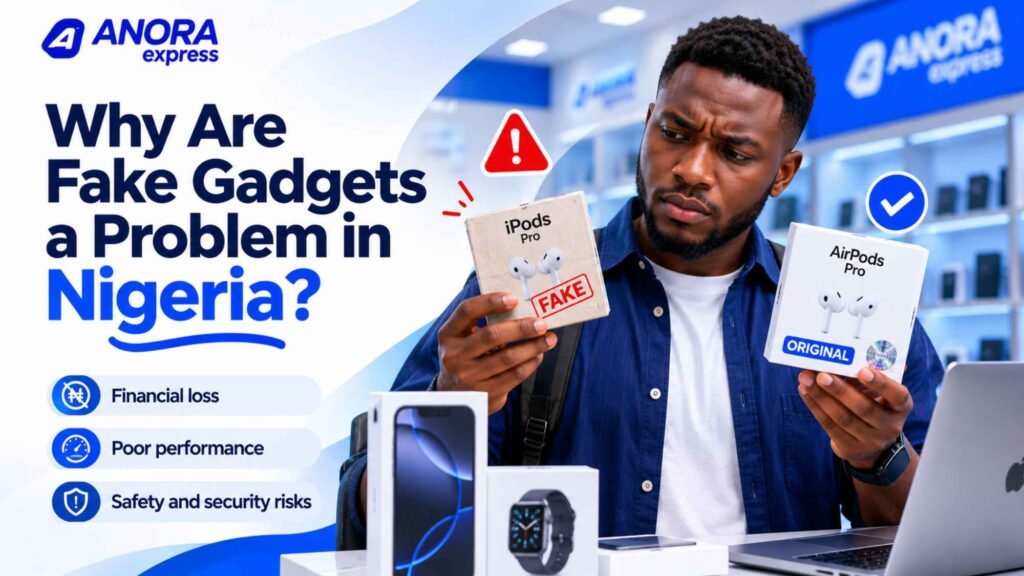
In this guide, we explain 10 practical ways to identify fake gadgets in Nigeria. These checks cover smartphones, laptops, headphones, chargers, smartwatches and other electronics.
Whether you are shopping online or visiting a physical electronics store, these tips can help you make a safer purchasing decision.
Why Are Fake Gadgets a Problem in Nigeria?
The demand for smartphones and electronics continues to create opportunities for dishonest sellers. Some take advantage of buyers who focus mainly on low prices without checking the product’s authenticity.
Counterfeit products often imitate established brands such as Apple, Samsung, Sony, JBL, HP and other popular manufacturers.
However, not every suspicious product is necessarily counterfeit. Some devices are refurbished, previously used, open-box or imported versions of genuine products. Sellers may also advertise older models as newer versions.
Understanding these differences is important.
Before buying, you should know exactly what the seller is offering. A genuine refurbished phone, for example, is not the same as a counterfeit phone. The problem arises when a seller describes a used or refurbished device as brand new without disclosing its condition.
10 Things to Check Before Buying Gadgets in Nigeria
1. Check the Packaging and Product Presentation
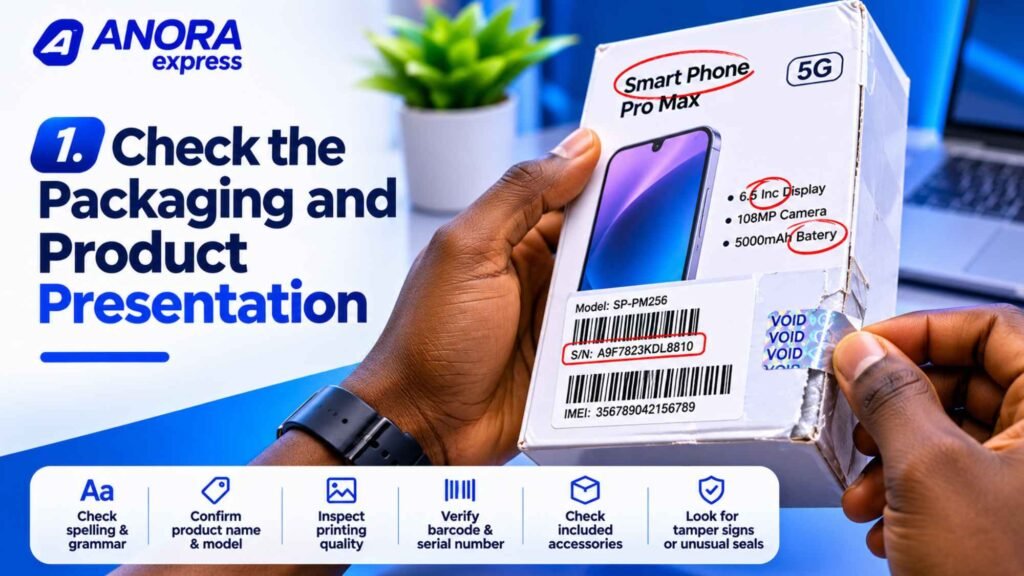
The packaging is one of the first things you should examine when buying a new gadget.
Established manufacturers usually follow consistent packaging standards. Their boxes typically feature accurate product names, model information, barcodes and other product details.
Counterfeit products may have packaging with spelling mistakes, poor printing, inconsistent colours or inaccurate specifications.
Pay attention to:
- Spelling and grammar on the packaging.
- Product names and model numbers.
- Printing quality and alignment.
- Barcode and serial number labels.
- Included accessories and documentation.
- Signs of tampering or unusual packaging.
However, do not rely on packaging alone.
Counterfeit manufacturers can copy original packaging, and genuine products may have different packaging depending on their market or production batch.
A sealed box does not automatically prove that a gadget is original.
Buying tip: Compare the packaging with images and product information published on the manufacturer’s official website.
2. Verify the IMEI and Serial Number
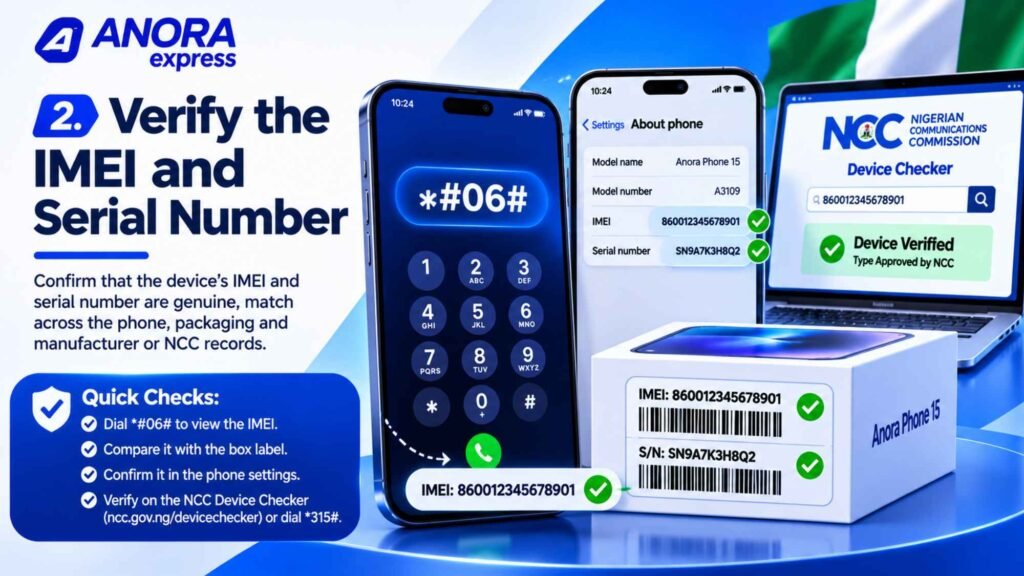
This is one of the most important checks when buying a smartphone.
Every mobile phone that connects to a cellular network has an International Mobile Equipment Identity (IMEI). The IMEI is a unique 15-digit identification number assigned to the device.
You can display the IMEI by opening the phone dialler and entering:
*#06#
The number should also appear in the phone’s settings and, where applicable, on the original packaging.
Compare the available numbers carefully.
For example, check whether the IMEI displayed on the phone matches the number printed on its box.
If the numbers do not match, ask the seller for an explanation before proceeding.
For dual-SIM phones, there may be two IMEI numbers. Check both where applicable.
Use the Nigerian Communications Commission Device Checker
In Nigeria, checking a phone’s IMEI is now particularly important.
The Nigerian Communications Commission (NCC) introduced its Device Checker system for verifying whether a device has the required Type Approval and is verified for use on Nigerian mobile networks.
You can check a device through the official NCC portal:
You can also dial *315# and follow the instructions.
The NCC system became effective for new imported devices from October 7, 2026. It helps consumers check the status of eligible devices before purchasing them.
Remember that a successful NCC verification does not guarantee that every component is genuine or that the phone has never been repaired. It is one important check among several.
Buying tip: Ask the seller to provide the IMEI before payment so you can complete the appropriate verification checks.
3. Buy from Trusted and Reputable Sellers
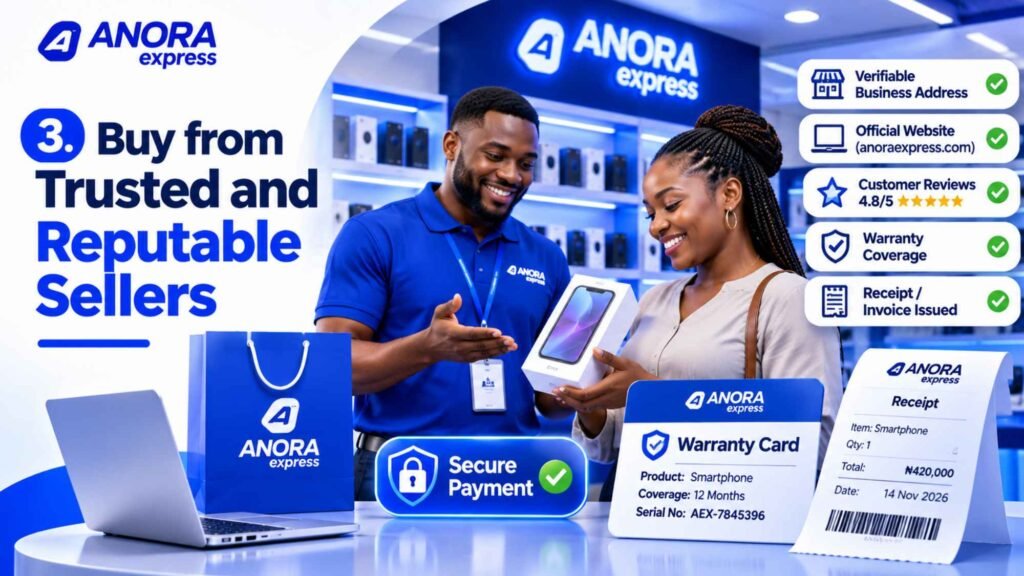
Where you buy a gadget can make a significant difference.
A genuine product from a reputable seller is generally a safer purchase than an unusually cheap device from an unknown source.
Before buying, research the seller.
Check:
- Whether the business has a verifiable physical address.
- Whether it has an established website.
- Whether its contact information is accessible.
- Whether customers have left credible reviews.
- Whether it provides clear warranty and return information.
- Whether it issues receipts or invoices.
If you are buying online, examine the website carefully.
Look for secure payment arrangements, clear product descriptions and reliable customer support. Be cautious when a seller pressures you to transfer money immediately to a personal account.
Also, do not assume that a large social media following proves that a seller is trustworthy.
A professional-looking website or Instagram page can be copied. Always check the business behind it.
Buying tip: Choose retailers that provide clear product information, verifiable business details and proper after-sales support.
4. Compare the Product Specifications with the Manufacturer’s Information

Fake gadgets often advertise specifications that do not match the genuine product.
For example, a counterfeit smartphone may claim to have 16GB RAM, 1TB storage and an advanced camera system, even though its internal hardware cannot support those specifications.
Similarly, fake wireless earbuds may advertise active noise cancellation, long battery life or premium audio features that they do not actually provide.
Before buying, visit the manufacturer’s official website and compare the advertised specifications.
For smartphones, check:
- Processor model.
- RAM and storage capacity.
- Display size and technology.
- Camera specifications.
- Battery capacity.
- Charging speed.
- Supported network bands.
For laptops, verify:
- Processor generation and exact model.
- RAM capacity and type.
- SSD or HDD storage.
- Display resolution.
- Graphics processor.
- Operating system.
For headphones and earbuds, check:
- Model number.
- Bluetooth version.
- Battery specifications.
- Active Noise Cancellation support.
- Supported audio features.
- Charging case specifications.
Be particularly careful with products that advertise specifications that seem unusually high for their price.
Buying tip: Never rely entirely on a seller’s product description. Cross-check the model number and specifications with the manufacturer’s official information.
5. Inspect the Build Quality and Physical Design
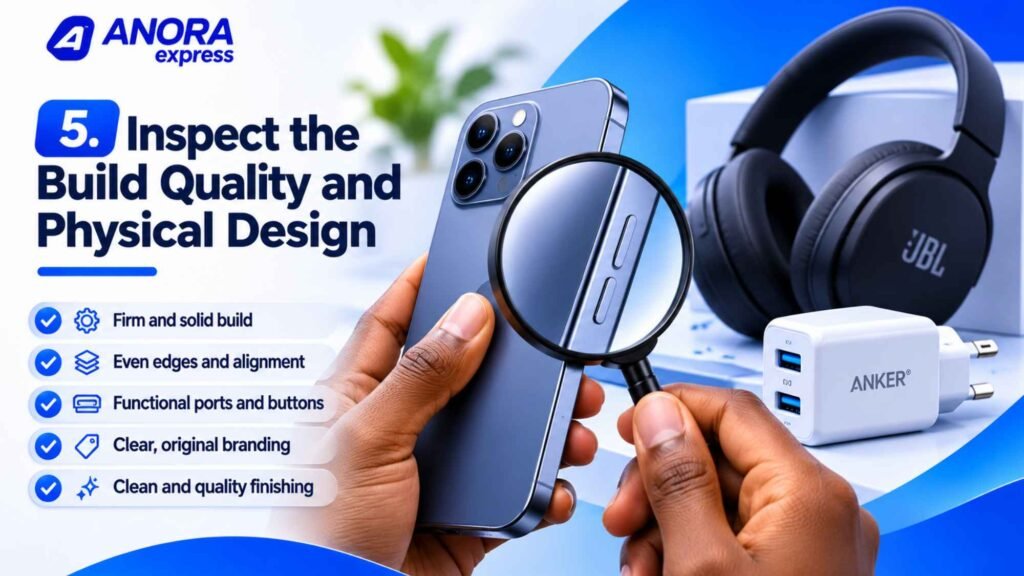
Physical inspection can reveal signs of counterfeit manufacturing.
Genuine products from established manufacturers generally follow consistent design and manufacturing standards.
Counterfeit gadgets may have poor finishing, loose components, uneven edges or materials that feel noticeably different.
When inspecting a gadget, pay attention to:
- Buttons and switches.
- Screen alignment.
- Charging ports.
- Speaker openings.
- Camera placement.
- Product weight.
- Materials and finishing.
- Branding and product labels.
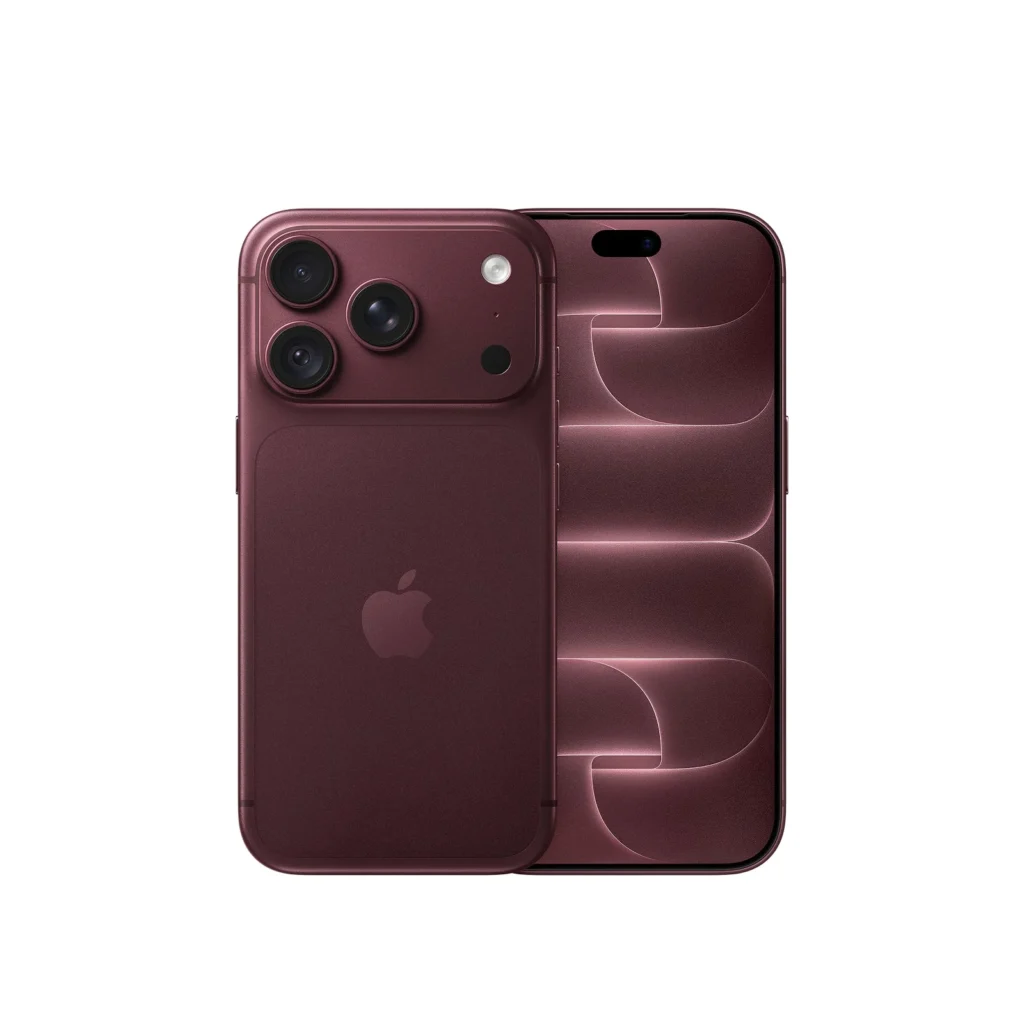
For smartphones, check whether the camera lenses, buttons and frame match the manufacturer’s official product images.
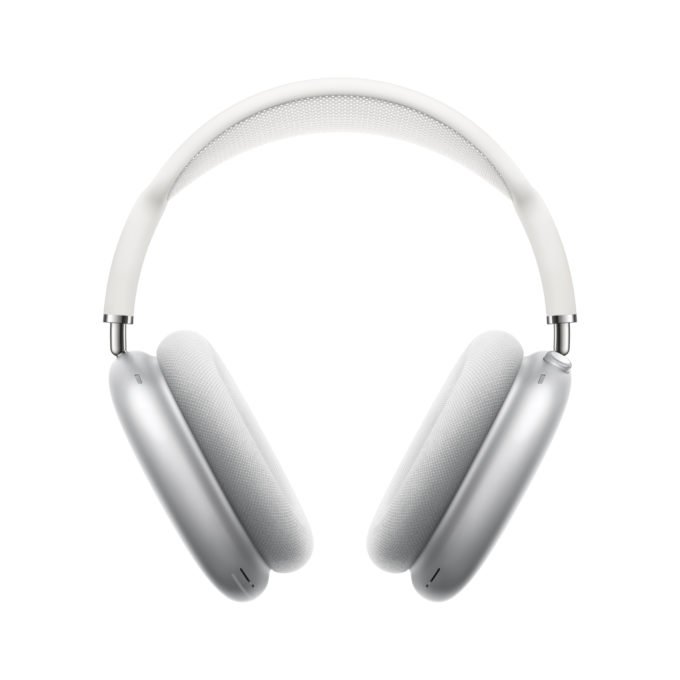
For headphones, inspect the ear cushions, hinges, headband and charging connections.
For chargers, examine the plug, connector, printed specifications and overall construction.
However, remember that minor cosmetic differences do not automatically mean a product is fake. Manufacturers sometimes change packaging, materials or components between production batches.
Buying tip: Compare the product with the official manufacturer’s images and, where possible, inspect another verified unit of the same model.
6. Test the Device Before Paying
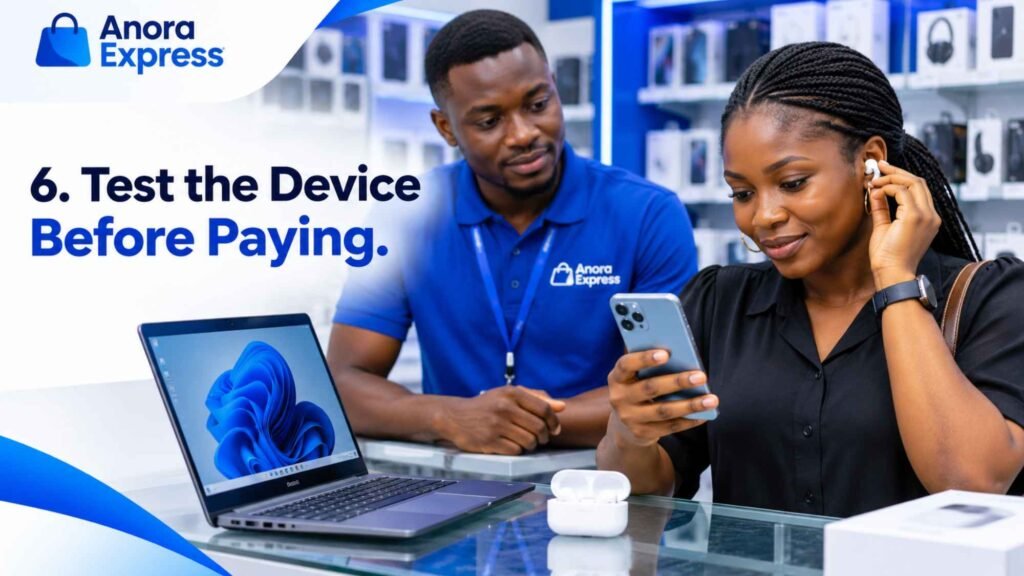
If you are buying from a physical store, ask the seller to let you test the gadget.
A genuine product should perform according to its advertised specifications.
For smartphones, test:
- Touchscreen responsiveness.
- Camera performance.
- Speaker and microphone quality.
- Wi-Fi and Bluetooth connectivity.
- Charging.
- SIM card and mobile network connectivity.
- Fingerprint or face recognition, where supported.
For laptops, check:
- Keyboard and trackpad.
- Screen quality.
- USB and charging ports.
- Wi-Fi connectivity.
- Speakers and webcam.
- Battery and charging behaviour.
- Operating system information.
For earbuds and headphones, test:
- Left and right audio channels.
- Microphone quality.
- Bluetooth pairing.
- Charging behaviour.
- Noise cancellation, if advertised.
- Touch or physical controls.
Do not rush through this process because a seller says the offer will expire.
A few minutes of testing can help you identify obvious problems before paying.
Buying tip: Ask for permission to test the product and confirm that all advertised features work correctly.
7. Check the Software and Operating System
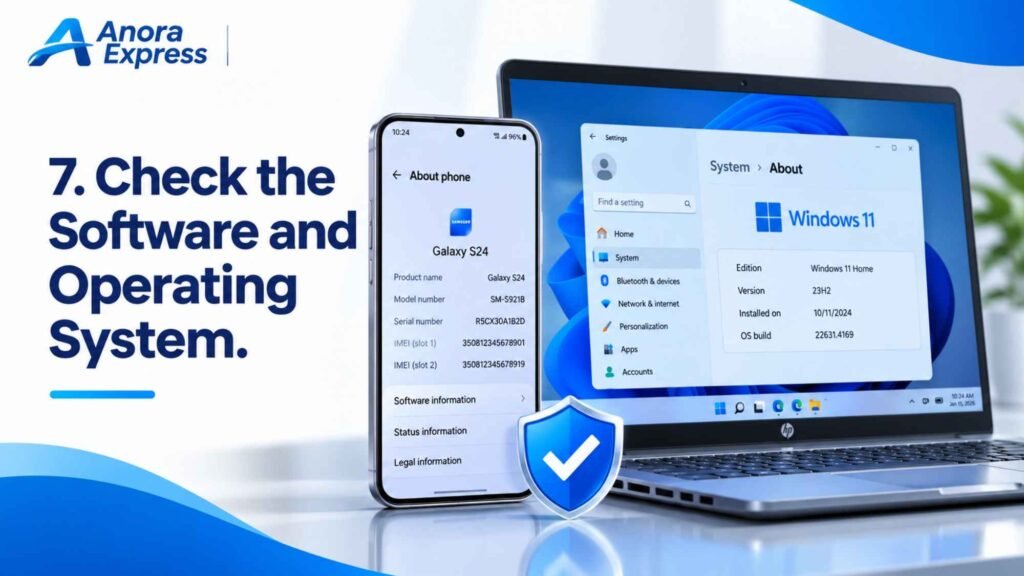
Software is another important way to identify suspicious devices.
Some counterfeit smartphones imitate the appearance of popular Android or iPhone interfaces. However, their internal software may be very different from the genuine operating system.
For Android smartphones, check the device information in Settings. Confirm the manufacturer, model, Android version and available system information.
You can also check Google Play certification.
How to check Play Protect certification
- Open the Google Play Store.
- Tap your profile icon.
- Open Settings.
- Select About.
- Look for the Play Protect certification status.
A compatible certified device should display its certification status.
Google explains this process in its official Play Protect certification guide.
For iPhones, examine the iOS interface, Settings menu, App Store and other standard Apple features.
A genuine iPhone should use Apple’s iOS software, not an Android interface designed to imitate it.
You should also check whether the device can receive the expected software updates.
Buying tip: Do not judge a smartphone by its appearance alone. Check its operating system, device information and official software features.
8. Verify the Product Through the Manufacturer’s Official Website
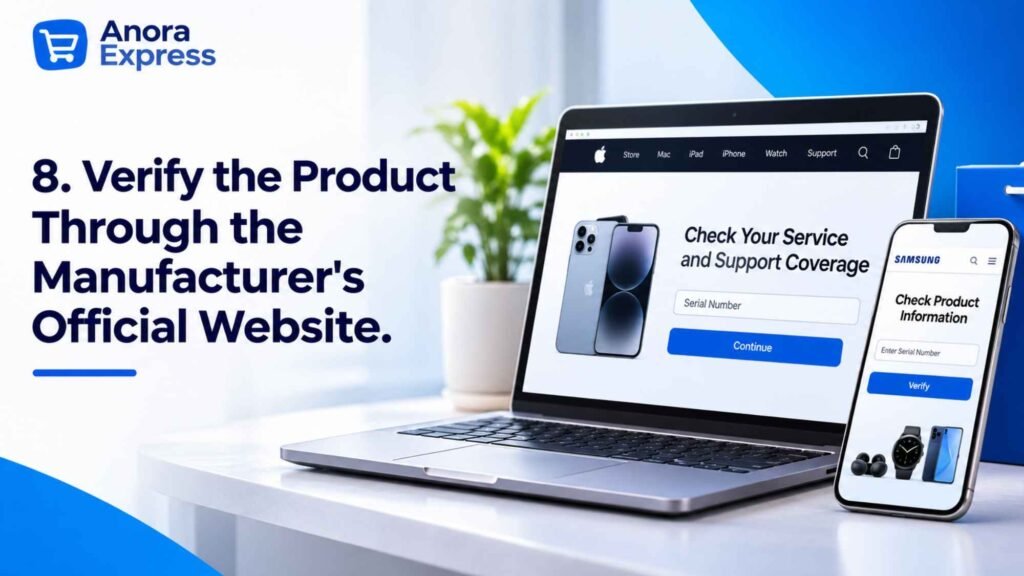
Many established manufacturers provide online tools and support services that help customers verify products or access device information.
These services can be particularly useful when buying premium smartphones, laptops and accessories.
For example:
Apple
Apple provides a coverage-checking service where customers can enter a device serial number to view available coverage information.
Samsung
Samsung customers can use official support channels to confirm product details and obtain assistance with serial numbers, model information and warranty questions.
Google provides official information about Play Protect certification and Android device security.
Always use official manufacturer websites rather than random verification links sent by sellers.
Also, understand what a verification result actually proves. A serial number appearing in a manufacturer’s system does not necessarily prove that the physical device is genuine. Counterfeit products may copy valid serial numbers from genuine devices.
Buying tip: Use manufacturer verification tools together with physical inspection, IMEI checks and a reliable seller.
9. Be Careful with Extremely Cheap Prices
Price is one of the easiest ways to identify a potentially suspicious offer.
If a seller advertises a premium smartphone, laptop or pair of headphones at a price far below the normal market range, investigate before buying.
For example, a premium smartphone advertised at a fraction of the usual retail price may be:
- Counterfeit.
- Refurbished.
- Previously used.
- Damaged.
- A different model.
- Missing important accessories.
- Subject to undisclosed conditions.
Not every low-priced offer is fraudulent. Genuine promotions, clearance sales and older models can be cheaper.
The important thing is to understand why the price is low.
Compare prices across reputable retailers and check the product’s condition.
Buying tip: If a deal looks unusually attractive, ask questions before making payment. A genuine seller should be able to explain the offer clearly.
10. Confirm the Warranty, Return Policy and Product Condition
A trustworthy purchase should come with clear information about the product’s condition and available support.
Before paying, ask whether the gadget is:
- Brand new.
- UK used.
- Refurbished.
- Open box.
- Pre-owned.
These descriptions are not interchangeable.
For example, a refurbished laptop may be a genuine manufacturer product that has been repaired or restored. However, it should not be advertised as brand new.
You should also check the warranty.
Ask:
- How long does the warranty last?
- Who provides the warranty?
- What faults does it cover?
- Where can you request repairs?
- What is the return or replacement policy?
- Are accessories included?
A warranty does not automatically prove authenticity, but clear warranty terms provide additional purchasing protection.
Always request a receipt or invoice. Keep the product packaging and any warranty documents after purchase.
Buying tip: Avoid sellers who refuse to explain the product’s condition or provide basic purchase documentation.
How to Identify Fake Gadgets by Product Category
Different gadgets require different checks. Here are some additional things to consider before purchasing popular electronics.
How to Identify a Fake Smartphone
Smartphones are among the most commonly imitated electronic products.
Before buying, check:
- The IMEI using
*#06#. - The IMEI against the packaging and device information.
- The NCC Device Checker status.
- The exact model and hardware specifications.
- The operating system and available software features.
- The camera, display and charging performance.
- The manufacturer’s official support information.
Be especially careful with phones advertised as new but sold without proper documentation or with unexplained price reductions.
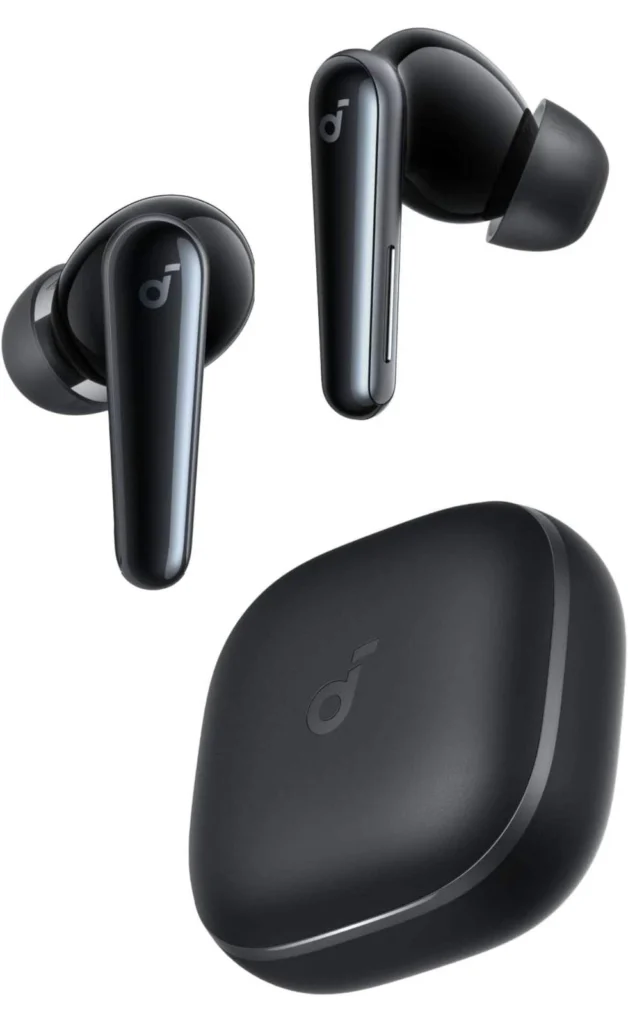
How to Identify Fake AirPods and Wireless Earbuds
Counterfeit earbuds often imitate the appearance and packaging of popular products.
Some even display copied pairing animations or product names.
Check:
- The exact model and serial information.
- The manufacturer’s official support or verification options.
- Bluetooth connectivity.
- Sound quality.
- Microphone performance.
- Battery and charging behaviour.
- Active Noise Cancellation performance, if advertised.
For Apple AirPods, use Apple’s official support resources and compare the model information with Apple’s documentation.
Do not assume that an Apple-style pairing animation or a serial number alone proves authenticity.
How to Identify Fake Chargers and Power Adapters
Chargers require particular attention because poor-quality electrical products can create safety risks.
Inspect:
- Manufacturer branding.
- Model number.
- Input and output ratings.
- Connector quality.
- Supported charging standards.
- Build quality and safety markings.
Compare the charger with the manufacturer’s official specifications.
Avoid chargers with loose plugs, exposed wiring, unusual heating, damaged insulation or inconsistent product information.
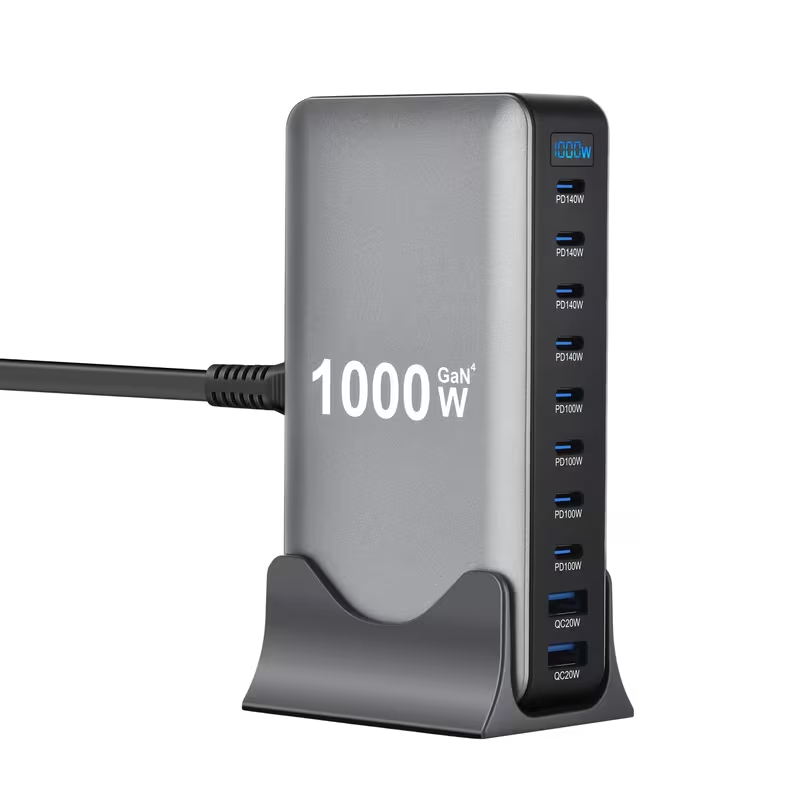
Use a compatible charger from a reputable manufacturer. Do not choose a charger simply because it advertises a high wattage.
How to Identify a Fake Laptop
When buying a laptop, verify its exact model and internal specifications.
Check the processor, RAM, storage, graphics and screen resolution.
You can also inspect the system information through Windows Settings or System Information.
For Windows laptops, check whether Windows is properly activated and whether the device has a genuine operating system installation.
For MacBooks, check the serial number through Apple’s official support tools and confirm the model, processor, memory and storage.
Also inspect the battery condition, keyboard, screen, ports and overall physical condition.
How to Identify Fake Smartwatches
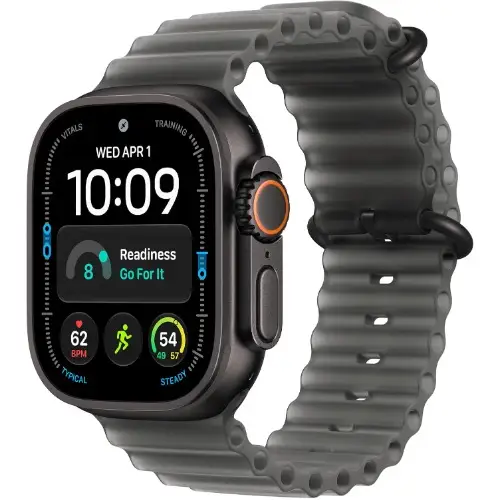
Counterfeit smartwatches may imitate the appearance of Apple Watch, Samsung Galaxy Watch and other established products.
Check the exact model, supported applications, smartphone compatibility and available features.
Confirm that the smartwatch connects through the manufacturer’s intended application.
Be cautious of products claiming to offer advanced health features at unusually low prices without credible manufacturer information.
Original vs Fake Gadgets: Important Differences
The following table highlights common warning signs.
| What to check | Genuine product | Possible warning sign |
|---|---|---|
| Packaging | Consistent manufacturer information | Poor printing or spelling mistakes |
| Serial number | Matches available manufacturer records | Missing, duplicated or inconsistent information |
| IMEI | Valid device identification and appropriate verification | Mismatch or failed verification |
| Build quality | Consistent materials and finishing | Loose parts or poor construction |
| Software | Expected manufacturer operating system | Imitation interface or missing official features |
| Performance | Matches advertised specifications | Unusually poor performance |
| Accessories | Correct compatible accessories | Poorly made or incompatible accessories |
| Warranty | Clear warranty terms | No credible warranty information |
| Price | Consistent with the product’s condition and market | Unexplained, unusually low price |
Remember that one warning sign does not always prove a product is counterfeit. Evaluate the complete picture before making a decision.
What Should You Do If You Discover You Bought a Fake Gadget?
If you discover that a gadget is counterfeit or significantly different from what the seller advertised, take action quickly.
1. Stop using the product if it presents a safety risk
If a charger, battery or electrical accessory overheats, sparks, smells unusual or shows signs of damage, disconnect it safely and stop using it.
Do not continue using a potentially dangerous device.
2. Keep your purchase evidence
Save your receipt, invoice, packaging, warranty documents, product listing and payment confirmation.
Take photographs or videos showing the problem.
3. Contact the seller
Explain the issue and request an appropriate resolution, such as a return, replacement or refund under the applicable terms and consumer protections.
Keep a record of your communication.
4. Report misleading or fraudulent sales
If the seller refuses to resolve the issue, you can seek assistance from the appropriate consumer protection authority.
The Federal Competition and Consumer Protection Commission (FCCPC) handles consumer complaints in Nigeria.
For device verification and telecommunications-related concerns, consult the Nigerian Communications Commission.
Where Should You Buy Original Gadgets in Nigeria?
Choosing a reputable retailer is one of the best ways to reduce the risk of purchasing counterfeit electronics.
Before buying, look for a business that provides:
- Clear product descriptions.
- Accurate specifications.
- Transparent product condition.
- Verifiable contact information.
- Proper receipts and invoices.
- Clear warranty information.
- Accessible customer support.
At Anora Express, customers can explore a range of smartphones, laptops and electronics for different needs.
Whether you are upgrading your smartphone, buying a laptop for work or looking for accessories, compare the available products carefully before placing an order.
Explore these collections:
Always confirm the current price, stock status, product condition, specifications and warranty before completing your purchase.
Frequently Asked Questions About Fake Gadgets in Nigeria
How can I identify fake gadgets in Nigeria?
How do I check if a phone is original in Nigeria?
*#06# to display the phone’s IMEI. Compare it with the number on the packaging and device settings. Then use the NCC Device Checker through its official website or by dialing *315#. You should also inspect the phone’s software, specifications and physical condition.Can a fake phone have a real IMEI number?
How do I know if an iPhone is original?
Are UK-used phones fake?
Can refurbished gadgets be original?
How can I identify fake AirPods?
Is it safe to buy gadgets from Instagram sellers?
It can be safe to purchase from a legitimate business operating on Instagram, but you should verify the seller first. Check its business details, customer feedback, website, payment arrangements and return policy. Avoid paying unfamiliar personal accounts without proper verification.
Where can I report fake gadgets in Nigeria?
Final Thoughts: Always Verify Before You Buy
Buying original gadgets in Nigeria does not have to be difficult. The key is to avoid rushing into purchases and learn how to check the products you are paying for.
Start by examining the packaging and product specifications. Verify serial numbers and IMEIs where applicable. Test the device, inspect its physical condition and confirm the warranty.
Most importantly, buy from sellers who provide clear product information and reliable customer support.
Remember, a low price is not always a good deal. A genuine gadget that performs as expected and comes with clear purchase documentation offers better value in the long run.
Before your next purchase, take a few extra minutes to verify the product. It could save you money, frustration and unnecessary risks.
For smartphones, laptops and other electronics, explore the available products at Anora Express and make informed buying decisions.