When buying a new laptop, one of the most important specifications to consider is RAM. But how much RAM do you actually need?
Should you buy a laptop with 8GB, 16GB, 32GB or even more?
The answer depends on what you plan to do with the laptop.
An 8GB laptop can still handle basic everyday tasks, while 16GB has become a much safer choice for students, professionals and general users who want their laptop to remain comfortable to use for several years. If you work with video editing, 3D applications, large projects or demanding development environments, 32GB or more may be worthwhile.
For Nigerian buyers, RAM is particularly important because upgrading a laptop later may not always be possible. Some modern laptops have memory permanently integrated into the motherboard.
That means choosing the right amount of RAM when you buy the laptop can save you money and frustration later.
In this guide, we explain how much RAM you need for school, work, programming, gaming, content creation and everyday use in 2026.
What Is RAM?
RAM stands for Random Access Memory.
It is the temporary working memory your laptop uses while applications and processes are running.
Think of your laptop’s storage as a filing cabinet and RAM as your desk.
Your SSD stores your files, applications and operating system. RAM gives your laptop a temporary workspace where it can quickly access the information currently being used.
The more RAM you have, the more information your laptop can keep readily available for active applications and tasks.
However, more RAM does not automatically make every laptop faster.
If you only browse the web and use Microsoft Word, upgrading from 16GB to 32GB may provide little noticeable benefit.
On the other hand, if you regularly run a browser with dozens of tabs, Photoshop, a code editor and several other applications simultaneously, additional RAM can make a significant difference.
How Much RAM Do You Need?
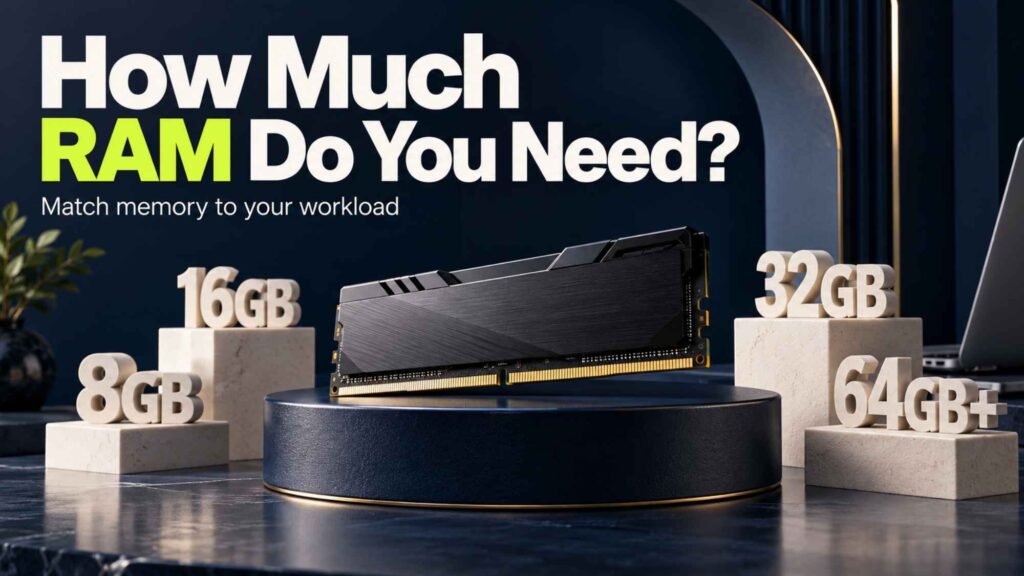
Here is a simple starting point for 2026:
| RAM | Recommended For | Verdict |
|---|---|---|
| 4GB | Very basic tasks | Avoid for most new laptops |
| 8GB | Browsing, Office, schoolwork | Acceptable |
| 16GB | Work, study, programming, multitasking | Best choice for most users |
| 32GB | Gaming, development, creative work | Excellent |
| 64GB+ | Professional workloads | For specialised users |
For most people buying a new laptop in 2026, 16GB of RAM is the sweet spot.
It provides enough memory for everyday productivity, multitasking, programming and many creative applications without paying for capacity you may never use.
Is 8GB RAM Enough in 2026?
Yes, but with some limitations.
An 8GB laptop can handle everyday tasks such as:
- Web browsing
- Microsoft Word
- Excel
- PowerPoint
- Online classes
- Streaming
- Basic photo editing
- Light multitasking
If your laptop is mainly a school or office machine, 8GB can still work.
However, modern websites and applications can consume considerable memory. Having multiple browser tabs open alongside other applications can quickly push an 8GB system close to its limits.
When that happens, the operating system may rely more heavily on the SSD as virtual memory.
Because SSD storage is slower than RAM, you may notice more pauses or reduced responsiveness.
Should You Buy an 8GB Laptop?
If you have a tight budget and only perform basic tasks, 8GB can make sense.
However, if you are buying a laptop that you expect to keep for several years, 16GB is a better investment.
This is particularly true if the RAM cannot be upgraded later.
Is 16GB RAM Enough in 2026?
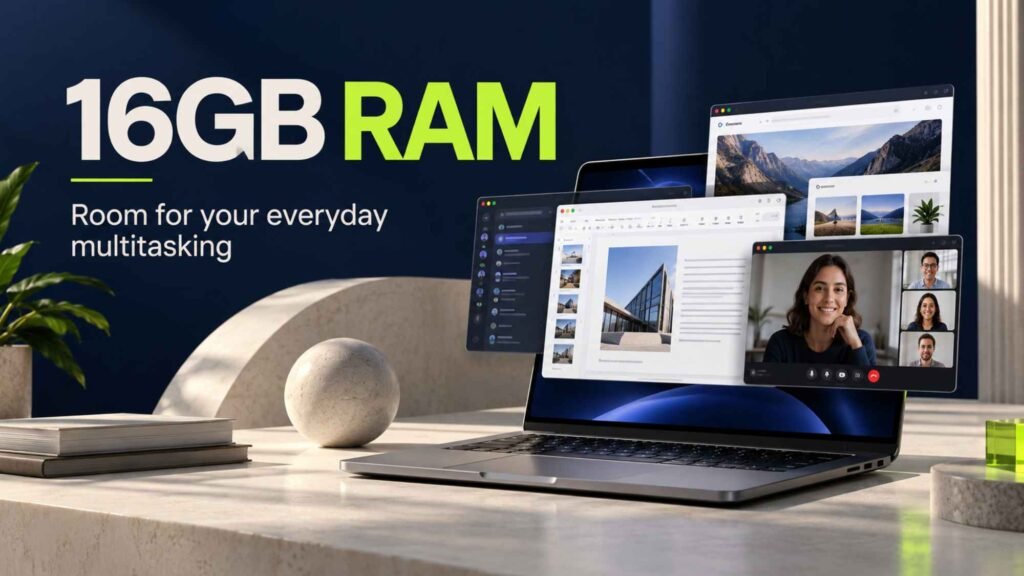
For most laptop users, yes.
16GB is currently the most balanced RAM capacity for a new laptop.
It provides enough headroom for multitasking while keeping laptop configurations reasonably priced.
A 16GB laptop is suitable for:
- University students
- Office workers
- Business owners
- Developers
- Remote workers
- Researchers
- Freelancers
- General productivity
- Moderate photo editing
- Light to moderate video editing
- Everyday multitasking
You can comfortably keep several browser tabs open while working with applications such as Word, Excel, Slack, Teams or a code editor.
For many buyers, moving from 8GB to 16GB can make a more meaningful difference than upgrading to a faster processor that they may rarely push to its limits.
Our Recommendation
If your budget allows it, choose 16GB RAM for a new laptop in 2026.
It is the option we would recommend to most Nigerian buyers.
Do You Need 32GB RAM?
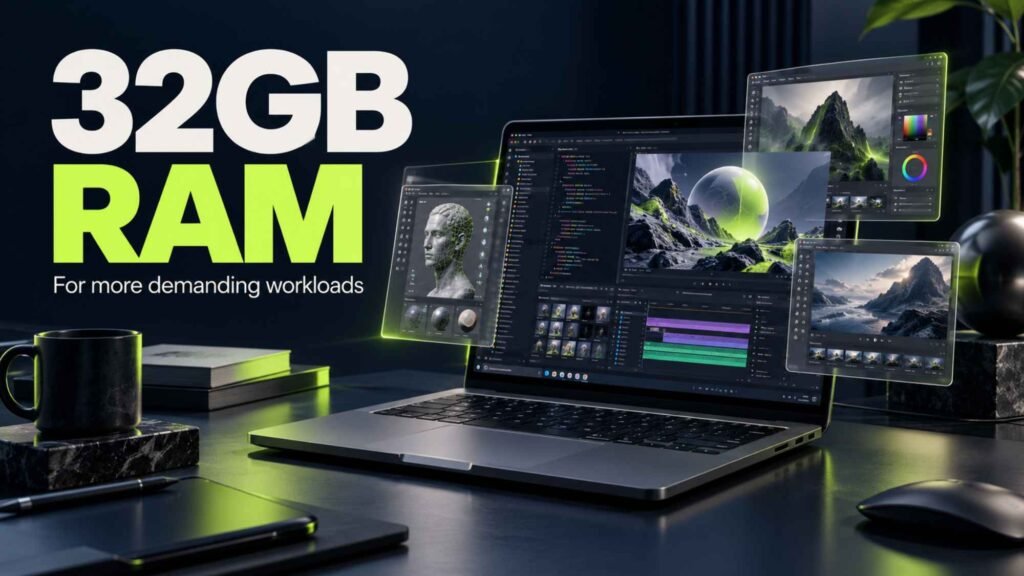
32GB is where you move into heavier multitasking and professional workloads.
You may benefit from 32GB if you regularly work with:
- Video editing
- 3D modelling
- Large Photoshop projects
- Professional graphic design
- Software development
- Virtual machines
- Large datasets
- Game development
- High-end gaming
- Engineering applications
- Music production
Developers can also benefit from 32GB when working with large projects, local databases, containers and virtual machines.
For example, running a code editor, browser, Docker containers, database services and other development tools simultaneously can consume considerably more memory than ordinary office work.
Should You Buy 32GB?
If you know your workload requires it, yes.
However, do not buy 32GB simply because the number sounds better.
If your daily workload uses only 8–12GB, the additional memory may not produce a noticeable improvement.
Who Needs 64GB RAM or More?
Most laptop buyers do not need 64GB.
This level of memory is designed for specialised professional workloads.
You might consider 64GB or more if you work with:
- Large 3D projects
- Professional video production
- Complex virtual machines
- Large software development environments
- Artificial intelligence and machine-learning workloads
- Scientific computing
- Large datasets
- High-end professional applications
For ordinary browsing, schoolwork, office productivity and entertainment, 64GB is excessive.
If you are considering a 64GB laptop, make sure you can identify a specific workload that benefits from it.
How Much RAM Do Students Need?

For most students, 8GB is the minimum I would recommend, while 16GB is the better choice.
If you are studying business, accounting, social sciences, education or another field with relatively light computing requirements, 8GB can be sufficient.
However, 16GB gives you considerably more flexibility.
Students studying computer science, software engineering, architecture, design, engineering or media-related courses may benefit even more from 16GB or 32GB.
For example, a computer science student may run a code editor, browser, local development server, database and other tools simultaneously.
In that situation, 16GB provides useful breathing room.
Student Recommendation
8GB: Basic schoolwork and browsing.
16GB: Best choice for most students.
32GB: Recommended for demanding technical or creative courses.
How Much RAM Do You Need for Work?

For office and business work, 8GB can be enough.
However, 16GB is a better choice for professionals who regularly multitask.
Consider a typical workday where you have:
- Chrome with multiple tabs
- Microsoft Word
- Excel
- PowerPoint
- Teams or Zoom
- Slack
- Cloud storage
- PDF documents
Running all of these simultaneously can make an 8GB system feel constrained.
With 16GB, you have more room for multitasking.
Work Recommendation
8GB: Basic office work.
16GB: Recommended for most professionals.
32GB: Useful for demanding professional applications.
How Much RAM Do You Need for Programming?
Programming does not automatically require huge amounts of RAM.
A developer working on simple websites can comfortably work with 8GB.
However, software development environments can become significantly more demanding as projects become larger.
For example, developers may run:
- VS Code
- Web browsers
- Node.js
- Docker
- Databases
- Local servers
- Android Studio
- Virtual machines
- Multiple development tools
This makes 16GB a much better starting point for programmers.
If you regularly use Docker containers, virtual machines, Android Studio or large projects, 32GB can provide additional headroom.
Programming Recommendation
8GB: Basic programming.
16GB: Recommended for most developers.
32GB: Better for advanced development, containers and virtual machines.
How Much RAM Do You Need for Gaming?
RAM is important for gaming, but it is not the only specification that matters.
Your graphics processor, processor, storage and cooling system can have a much greater effect on gaming performance.
For modern gaming laptops, 16GB is a good starting point.
A 32GB configuration can make sense for gamers who also stream, record gameplay or run other applications while gaming.
Gaming Recommendation
8GB: Not recommended for a new gaming laptop.
16GB: Recommended starting point.
32GB: Excellent for demanding gaming and multitasking.
Also remember that having more RAM will not compensate for a weak GPU.
A laptop with 32GB RAM and an inadequate graphics processor may perform worse in games than a well-balanced 16GB gaming laptop with a stronger GPU.
How Much RAM Do You Need for Video Editing?
Video editing can be demanding.
For basic 1080p editing, 16GB can work well.
If you work with higher-resolution footage, complex timelines, effects or professional editing applications, 32GB can provide a much smoother experience.
Professional editors working with large projects may consider 64GB depending on their workflow.
Video Editing Recommendation
16GB: Basic to moderate editing.
32GB: Recommended for serious editing.
64GB+: Professional and specialised workflows.
Does More RAM Make a Laptop Faster?
Not necessarily.
RAM only helps when your workload actually needs additional memory.
For example, upgrading from 8GB to 16GB can make a laptop feel much more responsive when the original 8GB configuration was constantly running out of memory.
However, upgrading from 32GB to 64GB will not necessarily make everyday browsing twice as fast.
Laptop performance depends on several components:
- Processor
- RAM
- SSD
- Graphics processor
- Cooling
- Operating system
- Software optimisation
The best laptop configuration balances these components instead of maximising only one specification.
RAM vs Storage: What Is More Important?
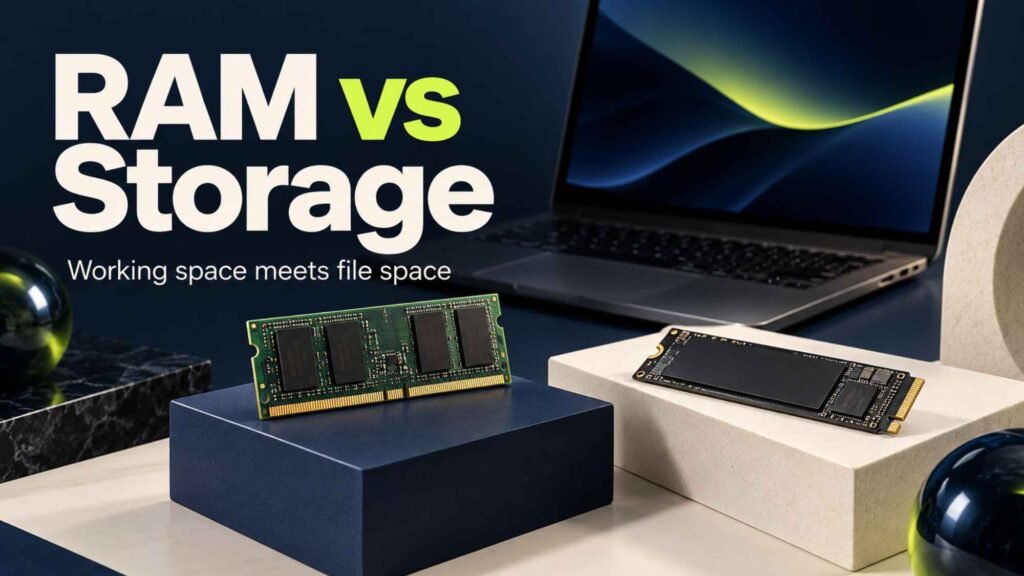
RAM and storage perform completely different jobs.
RAM is temporary working memory.
Storage is where your files, applications and operating system are permanently stored.
For example:
16GB RAM + 512GB SSD
means the laptop has 16GB of working memory and 512GB of storage.
You cannot use the extra 512GB of storage as a direct replacement for RAM.
For most buyers, a balanced configuration such as 16GB RAM and a 512GB SSD is a strong starting point.
If you work with large video files, games or professional projects, you may want 1TB or more of storage.
Should You Choose 8GB or 16GB RAM?
If you are deciding between an 8GB laptop and a 16GB laptop, I would generally recommend 16GB if the price difference is reasonable.
The additional memory gives you more room for future applications and multitasking.
This is especially important if you intend to keep the laptop for several years.
An 8GB laptop can still be perfectly usable. However, you should consider how your computing needs might change over time.
A laptop that feels fine today may feel restrictive after several years as applications and websites become more demanding.
Should You Choose 16GB or 32GB RAM?
This decision depends more on your workload.
Choose 16GB if you mainly:
- Browse the web
- Work with Office applications
- Study
- Code
- Attend online meetings
- Manage a business
- Stream content
- Perform general productivity
Choose 32GB if you regularly:
- Edit video
- Use virtual machines
- Run multiple development environments
- Work with large creative projects
- Play demanding games while multitasking
- Use professional engineering or 3D software
If you are unsure, 16GB is usually the safer value option.
Can You Upgrade Laptop RAM Later?
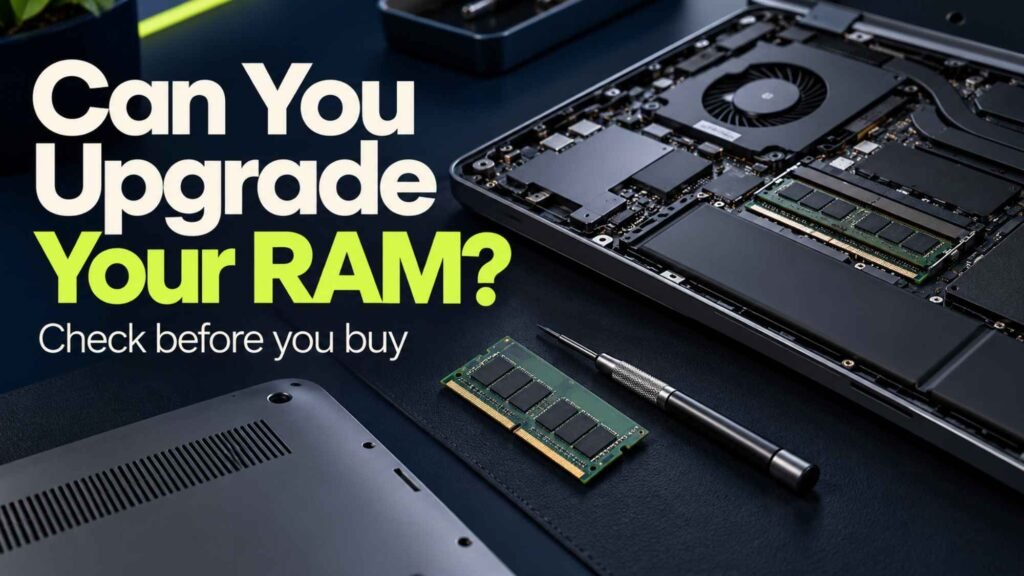
Sometimes.
Some Windows laptops allow you to replace or add RAM modules. Others use soldered memory that cannot be upgraded.
MacBooks generally use integrated memory that is not designed for user upgrades.
This is why you should check the laptop’s memory configuration before purchasing.
For Nigerian buyers, this is particularly important.
If a laptop has soldered 8GB RAM and you cannot upgrade it, buying the 8GB configuration simply because it is cheaper could become a problem later.
If you are choosing between two otherwise similar laptops, the one with 16GB may offer better long-term value even if it costs more.
Is 16GB RAM Future-Proof?

No laptop specification is completely future-proof.
However, 16GB provides a reasonable balance for most users in 2026.
If you want to keep your laptop for many years and your workload is demanding, 32GB can provide additional headroom.
The right choice depends on what you actually do.
Do not spend a large amount of money on RAM you will never use.
At the same time, avoid buying a configuration that is already close to your workload’s limits.
Best RAM Capacity by User Type
Here is a simple guide:
| User | Recommended RAM |
|---|---|
| Basic browsing | 8GB |
| Schoolwork | 8–16GB |
| University student | 16GB |
| Office work | 16GB |
| Business | 16GB |
| Programming | 16GB |
| Software development | 16–32GB |
| Gaming | 16–32GB |
| Photo editing | 16GB |
| Video editing | 16–32GB |
| Graphic design | 16–32GB |
| 3D design | 32GB+ |
| Virtual machines | 32GB+ |
| Professional workloads | 32–64GB+ |
Our RAM Recommendation for 2026
For most people buying a laptop in 2026, 16GB RAM is the sweet spot.
It is enough for school, work, programming, business, browsing and general multitasking.
If your budget is limited, an 8GB laptop can still make sense for basic tasks. However, check whether the RAM can be upgraded.
If you are a serious gamer, developer or content creator, consider 32GB.
And if you work with specialised professional workloads, 64GB or more may be justified.
The key is to match the RAM to your actual workload.
Final Verdict: How Much RAM Do You Need?
So, how much RAM do you need in a laptop?
For most users, the answer is 16GB.
Choose 8GB if you need an affordable laptop for basic tasks and are comfortable with its limitations.
Choose 16GB if you want the best balance between performance, price and long-term usability.
Choose 32GB if you are a serious gamer, programmer, content creator or professional user.
Choose 64GB or more only when your workload genuinely requires it.
Before buying a laptop, don’t look at RAM alone. Check the processor, SSD, display, battery, graphics and upgradeability as well.
A well-balanced laptop with 16GB RAM can be a much better purchase than an expensive laptop with 32GB RAM but weaker components.
For Nigerian buyers, also consider warranty, availability, after-sales support and the cost of replacing or upgrading components.
For most people in 2026: 16GB is the sweet spot.