
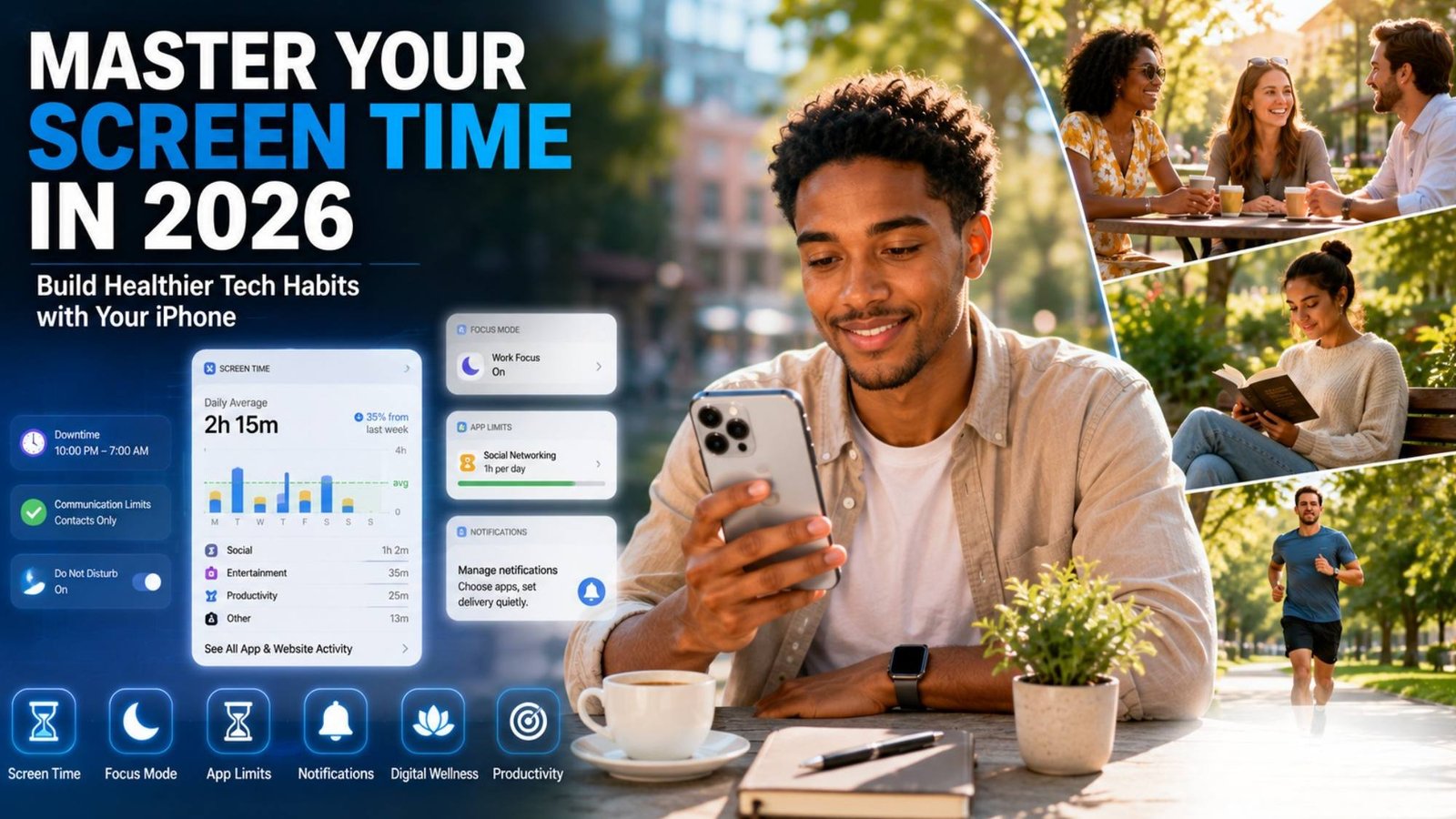
Summer is often seen as a season for relaxation, travel, hobbies, and spending quality time with friends and family. Yet for many people, it quietly becomes a season of endless scrolling.
A quick check of Instagram turns into 30 minutes. One TikTok video becomes an hour. Before you know it, your smartphone has consumed a significant portion of your day.
The good news? Apple’s Screen Time tools make it easier than ever to build healthier digital habits without completely disconnecting from technology.
If you’re wondering how to use Screen Time controls on iPhone in 2026, the goal isn’t to eliminate screen use altogether. Instead, it’s about creating intentional boundaries that help you enjoy technology while maintaining a healthy balance in everyday life.
Here’s how to make Screen Time work effectively and create habits that actually stick.
Why Most People Struggle With Screen Time
One of the biggest mistakes people make is setting unrealistic restrictions from the start.
Many users try to:
- Cut social media usage from five hours to 30 minutes overnight
- Block every entertainment app
- Create dozens of restrictions at once
- Completely eliminate phone use during their free time
While these goals may sound productive, they often feel restrictive and difficult to maintain.
Instead, think of Screen Time as a tool for awareness first and control second.
The objective isn’t perfection. It’s progress.
Small improvements that you can maintain consistently are far more effective than drastic changes that last only a few days.
Step 1: Discover Where Your Time Is Actually Going
Before making any changes, take a close look at your current screen habits.
On your iPhone, navigate to:
Settings → Screen Time → See All Activity
You’ll be able to view:
- Daily screen time
- Weekly averages
- Most-used applications
- Number of device pickups
- Notification activity
Many people are surprised by what they find.
You may believe you’re spending an hour on social media each day, only to discover that the actual number is closer to three or four hours.
Awareness is the foundation of meaningful change.
Step 2: Set Realistic App Limits
After identifying your most-used apps, begin setting practical limits.
Go to:
Settings → Screen Time → App Limits
Popular categories include:
- Social Networking
- Entertainment
- Gaming
- Streaming Services
Rather than making dramatic cuts, start small.
For example:
- Reduce 4 hours per day to 3 hours
- Reduce 3 hours per day to 2 hours
- Reduce 2 hours per day to 90 minutes
Gradual reductions are easier to maintain and create long-term success.
Remember, sustainable habits always outperform extreme restrictions.
Step 3: Use Downtime to Reduce Mindless Scrolling
Downtime is one of the most effective features within Screen Time.
It temporarily limits access to selected apps during scheduled periods.
To enable it:
Settings → Screen Time → Downtime
Before Bed
Set Downtime between:
10:00 PM – 7:00 AM
This helps reduce late-night scrolling and improves sleep quality.
During Work Hours
Remote workers may benefit from scheduling Downtime during focus periods such as:
9:00 AM – 12:00 PM
2:00 PM – 5:00 PM
This minimizes distractions while still allowing access when needed.
Family and Social Activities
Consider activating Downtime during:
- Family dinners
- Vacations
- Weekend outings
- Social gatherings
Being present is often easier when your phone isn’t competing for your attention.
Step 4: Reduce Notifications
Many people don’t actually have a Screen Time problem.
They have a notification problem.
Every alert creates another reason to unlock your phone.
Review your notification settings by visiting:
Settings → Notifications
Ask yourself whether you truly need immediate alerts from:
- Shopping apps
- Mobile games
- News platforms
- Social media apps
- Promotional services
Disabling unnecessary notifications often leads to a significant reduction in screen time without requiring additional restrictions.
Step 5: Create Phone-Free Zones
Digital wellness isn’t just about software settings.
Physical boundaries matter too.
Create intentional phone-free moments throughout your day, such as:
- During meals
- During workouts
- While reading
- During conversations
- One hour before bedtime
These small boundaries help break the habit of constantly checking your device.
Over time, you’ll find it easier to focus on the people and activities around you.
Step 6: Combine Screen Time With Focus Modes
One of the most overlooked productivity tools on iPhone is Focus Mode.
Navigate to:
Settings → Focus
You can create customized profiles for:
- Work
- Study
- Fitness
- Sleep
- Personal Time
- Travel
Focus Modes allow only selected apps and contacts to reach you during specific activities.
When used alongside Screen Time, they create a distraction-free environment that supports productivity and mental clarity.
Step 7: Focus on What You Want More Of
Instead of setting goals based solely on reducing screen time, focus on the activities you want to do more often.
Rather than saying:
“I want less screen time.”
Try saying:
- “I want to read more.”
- “I want to exercise more.”
- “I want to spend more time outdoors.”
- “I want more quality time with family.”
The most successful digital habits come from replacing excessive screen use with meaningful activities.
When you have something better to do, spending less time on your phone becomes much easier.
Screen Time Tips for Parents
For parents, Screen Time is about more than restrictions.
While parental controls are helpful, healthy conversations about technology are equally important.
Summer is an excellent opportunity to:
- Discuss responsible device use
- Set family technology expectations
- Create shared screen-free activities
- Encourage outdoor play and hobbies
- Model healthy digital habits
Children often learn more from what they observe than what they’re told.
If parents constantly check their phones, children are likely to develop similar habits.
Technology Isn’t the Enemy
Smartphones have become an essential part of modern life.
We use them to:
- Stay connected with loved ones
- Navigate unfamiliar places
- Learn new skills
- Capture memories
- Access entertainment
- Manage work and productivity
The challenge isn’t using technology.
The challenge is preventing technology from filling every available moment.
The best Screen Time setup isn’t the strictest one.
It’s the one you’ll actually follow consistently.
Final Thoughts
If you’re learning how to use Screen Time controls on iPhone in 2026, remember that success isn’t measured by achieving the lowest screen time number possible.
Success is measured by whether your technology use supports the life you want to live.
Start by understanding your habits, setting realistic limits, reducing distractions, and creating intentional moments away from your phone.
This summer, don’t focus on spending less time on your device simply for the sake of it.
Focus on making sure your time online doesn’t come at the expense of everything happening offline.