
A well-designed workspace isn’t just about aesthetics—it directly impacts your productivity, focus, and overall efficiency. Whether you work remotely, run a business, or simply want a cleaner and more functional desk, the right gadgets can completely transform your setup.
From ergonomic accessories to smart tech upgrades, this guide explores the best desk setup gadgets that instantly elevate your workspace. If you’re ready to create a modern, high-performance desk environment, keep reading.
Why Your Desk Setup Matters
Your workspace is where ideas come to life. A cluttered or inefficient desk can slow you down, while a smart, optimized setup can boost productivity and reduce fatigue.
Here’s what a great desk setup should deliver:
- Improved workflow and efficiency
- Better posture and comfort
- Reduced distractions
- A clean, modern aesthetic
With the right gadgets, you can achieve all of this effortlessly.
1. Adjustable Monitor Arm for Better Ergonomics
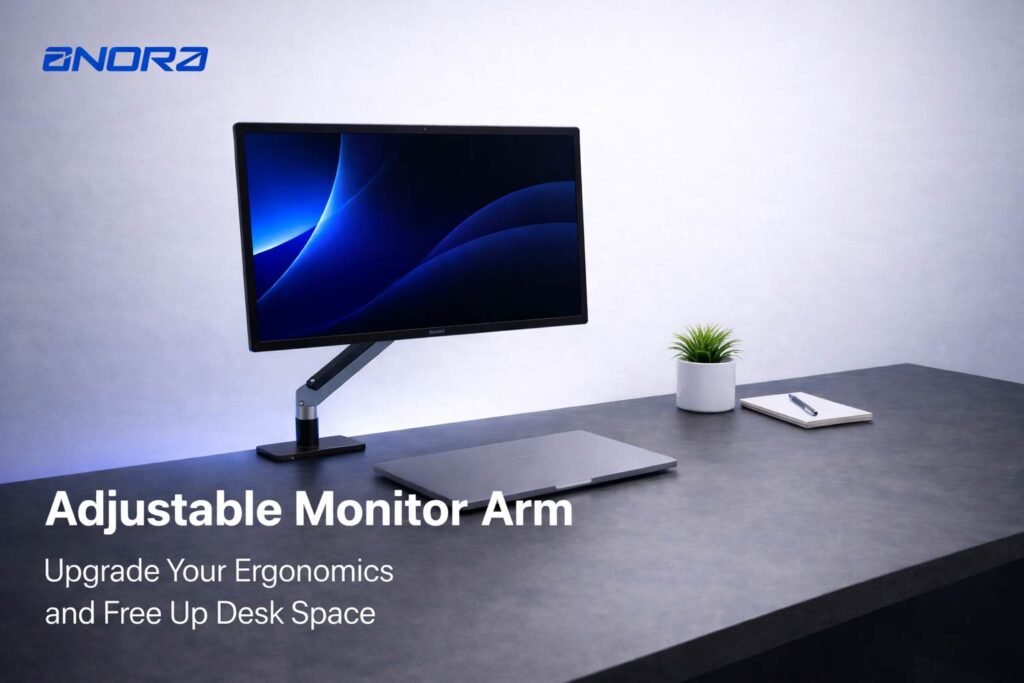
One of the fastest ways to upgrade your workspace is by ditching the default monitor stand.
An adjustable monitor arm allows you to:
- Position your screen at eye level
- Free up valuable desk space
- Reduce neck and back strain
This is especially useful for long working hours. Whether you use a single or dual monitor setup, a monitor arm creates a cleaner, more professional look.
Why it’s a must-have:
Better posture equals better productivity.
2. Wireless Keyboard and Mouse Combo

Cutting the cord is one of the simplest yet most effective upgrades.
A wireless keyboard and mouse:
- Eliminate cable clutter
- Offer more flexibility in positioning
- Enhance the overall look of your desk
Modern combos also come with silent keys and ergonomic designs, making them perfect for focused work sessions.
Pro Tip: Choose rechargeable models to avoid constantly replacing batteries.
👉 Shop Now: Discover sleek wireless keyboard and mouse combos designed for productivity.
3. Laptop Stand for Improved Cooling and Comfort
If you use a laptop daily, a stand is non-negotiable.
A good laptop stand:
- Elevates your screen to eye level
- Improves airflow and prevents overheating
- Creates space underneath for storage
Pair it with an external keyboard and mouse for a full ergonomic setup.
Bonus: It instantly gives your desk a modern, minimalist look.
👉 Shop Now: Get a sturdy laptop stand for better posture and performance.
4. USB-C Hub or Docking Station
Modern laptops often come with limited ports. That’s where a USB-C hub becomes essential.
With a good hub, you can:
- Connect multiple devices at once
- Add HDMI, USB, SD card slots, and more
- Simplify your workflow
Instead of plugging and unplugging devices constantly, everything stays connected in one place.
Perfect for: Creators, professionals, and multitaskers.
👉 Shop Now: Expand your connectivity with a powerful USB-C hub.
5. LED Desk Lighting for Focus and Ambience
Lighting plays a huge role in productivity.
An LED desk lamp with adjustable brightness:
- Reduces eye strain
- Improves visibility during long sessions
- Adds a premium aesthetic to your workspace
Some models even offer:
- Color temperature control
- Touch controls
- Built-in wireless charging
Why it matters: Poor lighting leads to fatigue and reduced focus.
6. Cable Management System for a Clean Desk
Messy cables can ruin even the best setups.
Cable management tools like:
- Cable clips
- Under-desk trays
- Velcro ties
Help you:
- Keep wires organized
- Prevent tangling
- Maintain a clean, distraction-free workspace
Minimalism tip: A clean desk equals a clear mind.
7. Ergonomic Chair or Seat Cushion
Your chair is just as important as your desk gadgets.
If upgrading your chair isn’t an option, consider:
- Memory foam seat cushions
- Lumbar support pillows
These additions:
- Improve posture
- Reduce lower back pain
- Make long hours more comfortable
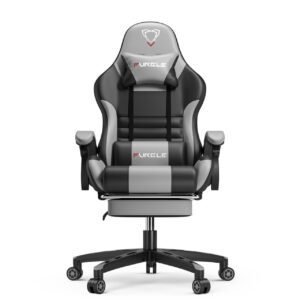

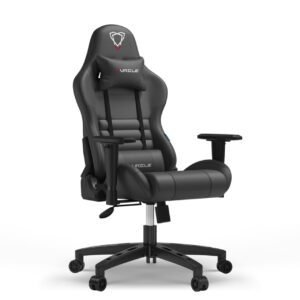
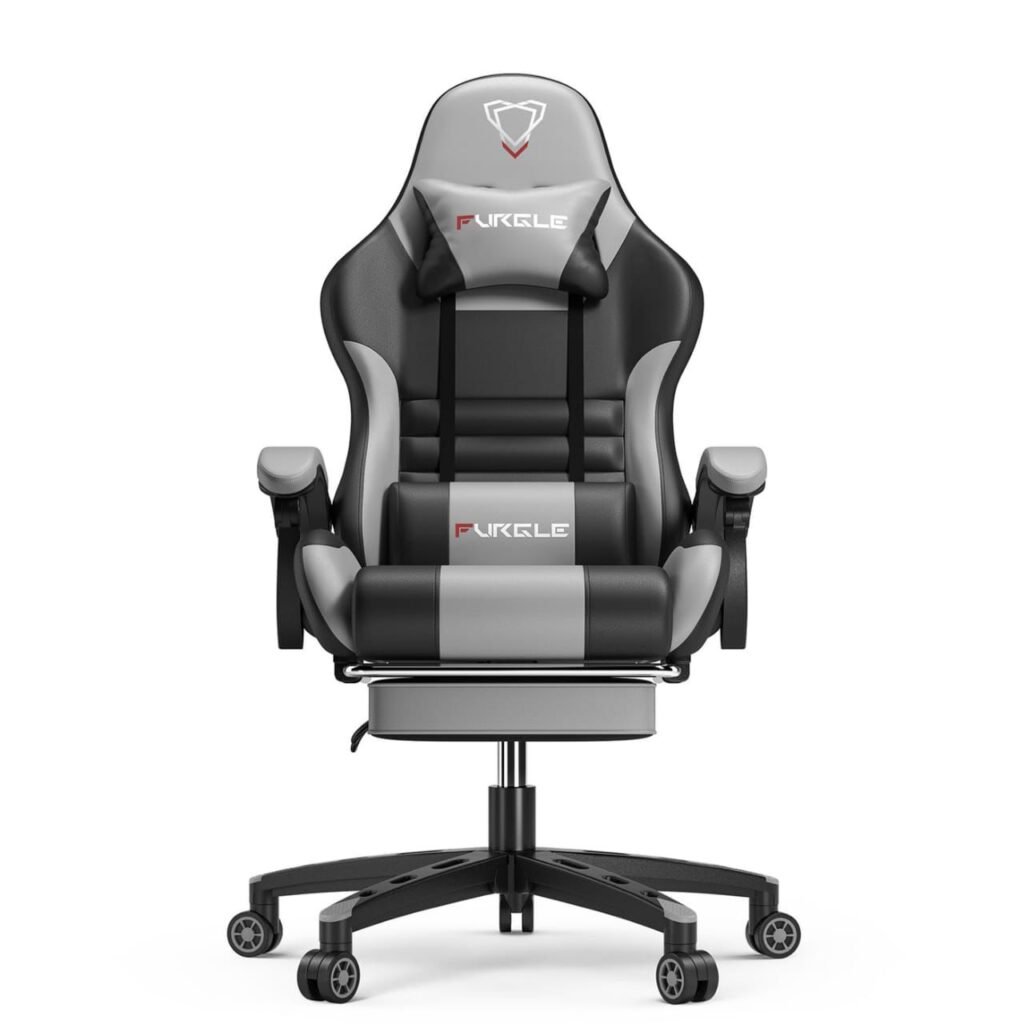
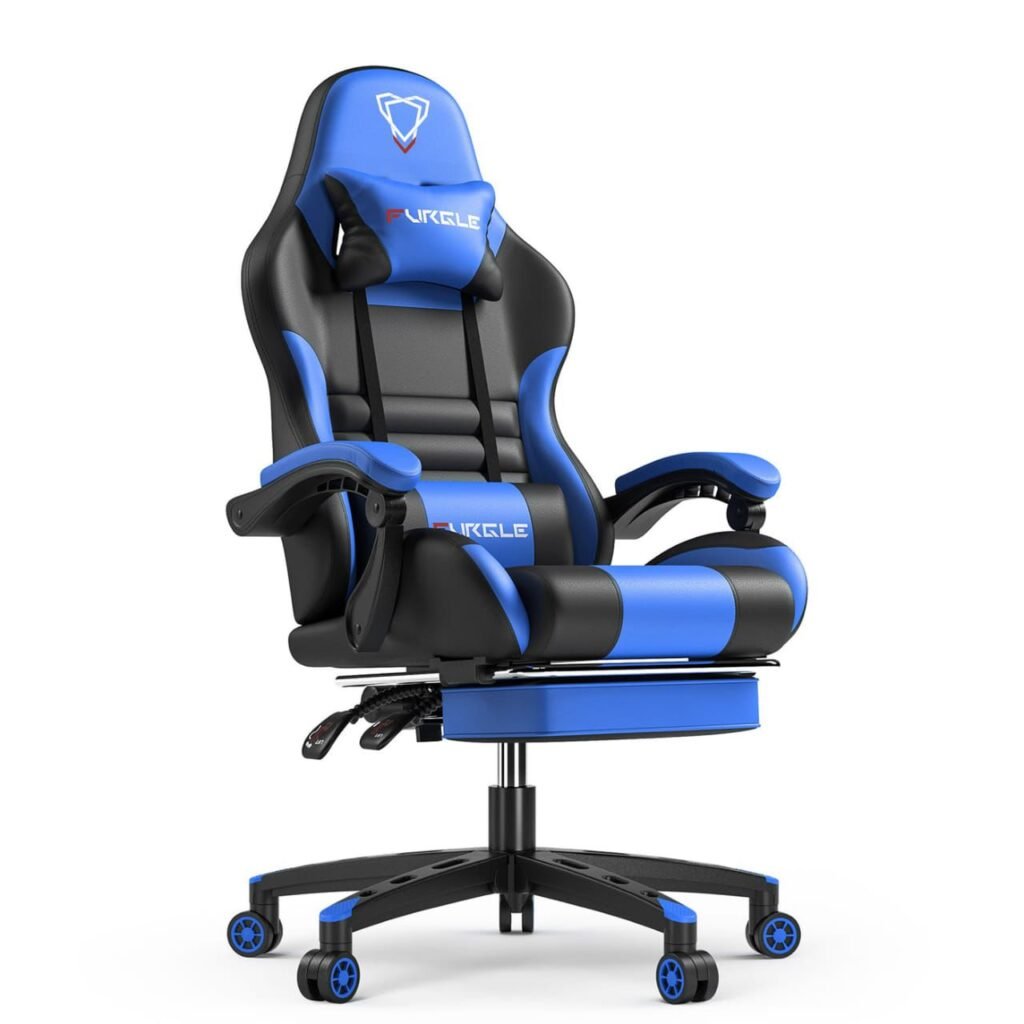
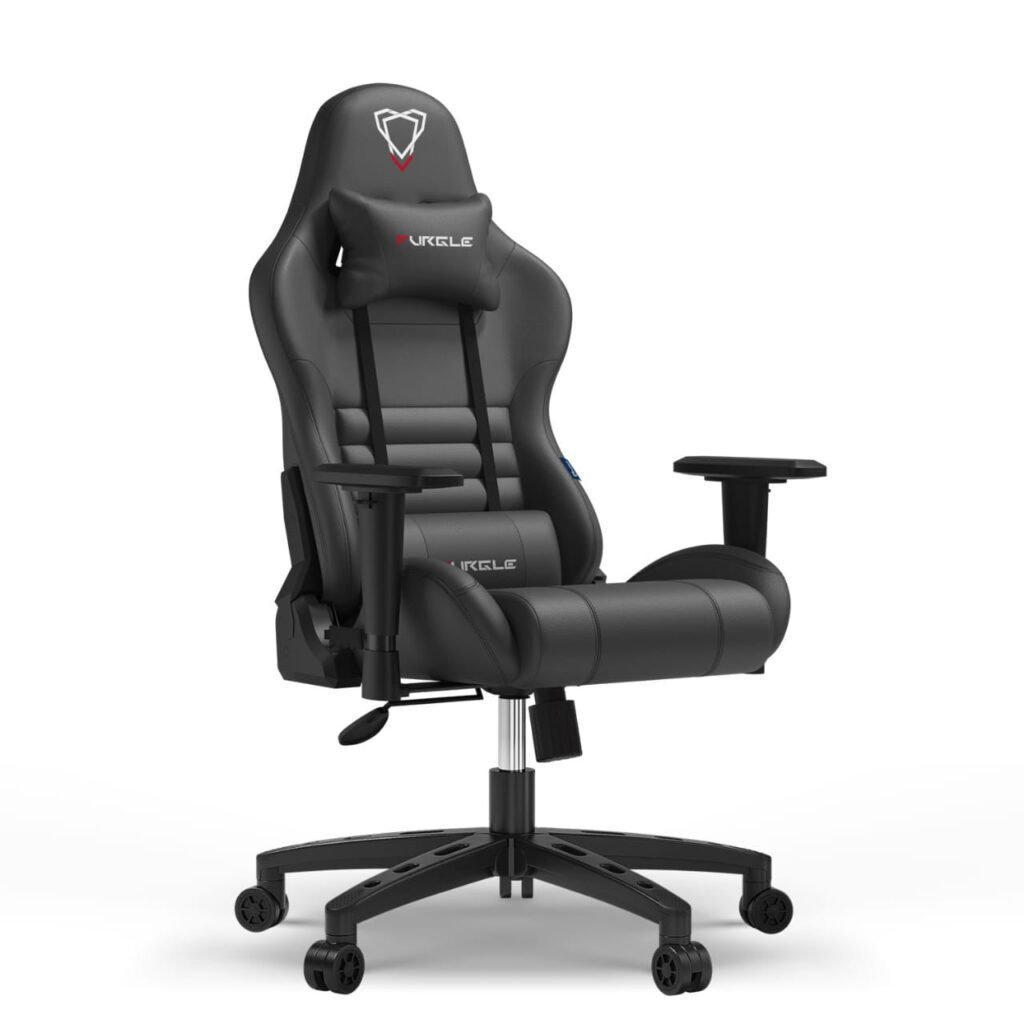
Health matters: Comfort directly impacts productivity.
8. Noise-Cancelling Headphones or Headset
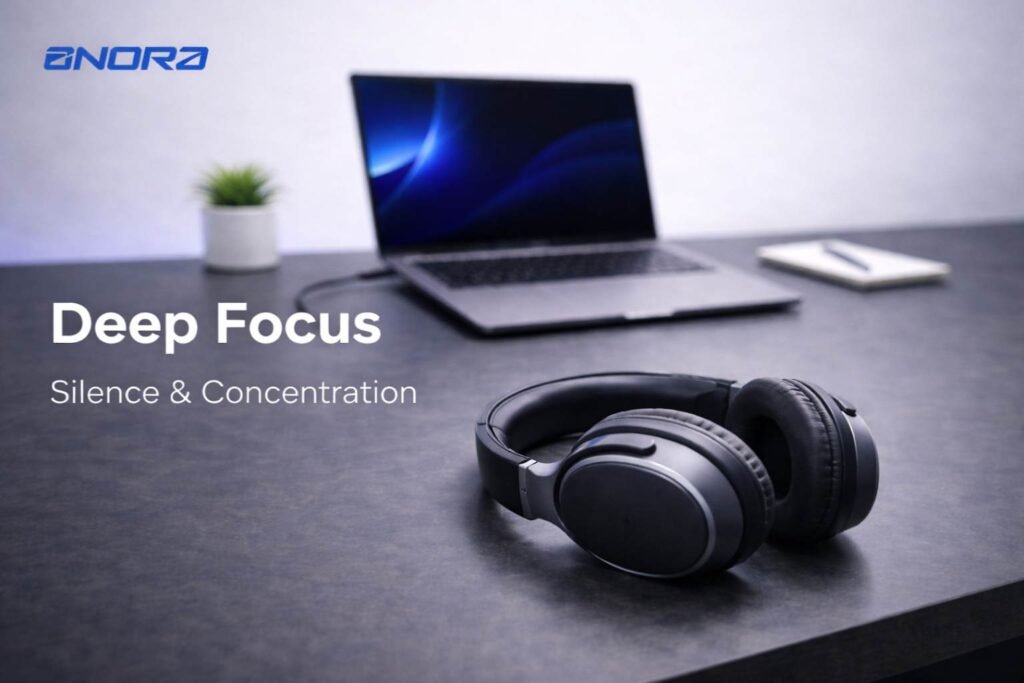
Distractions can kill productivity, especially in busy environments.
A good headset helps you:
- Block out background noise
- Focus on tasks
- Enjoy clear calls and meetings
This is essential for:
- Remote workers
- Students
- Content creators
Upgrade tip: Choose a model with a built-in mic for calls.
👉 Shop Now: Stay focused with premium noise-cancelling headphones.
9. Wireless Charging Pad or Multi-Port Charger
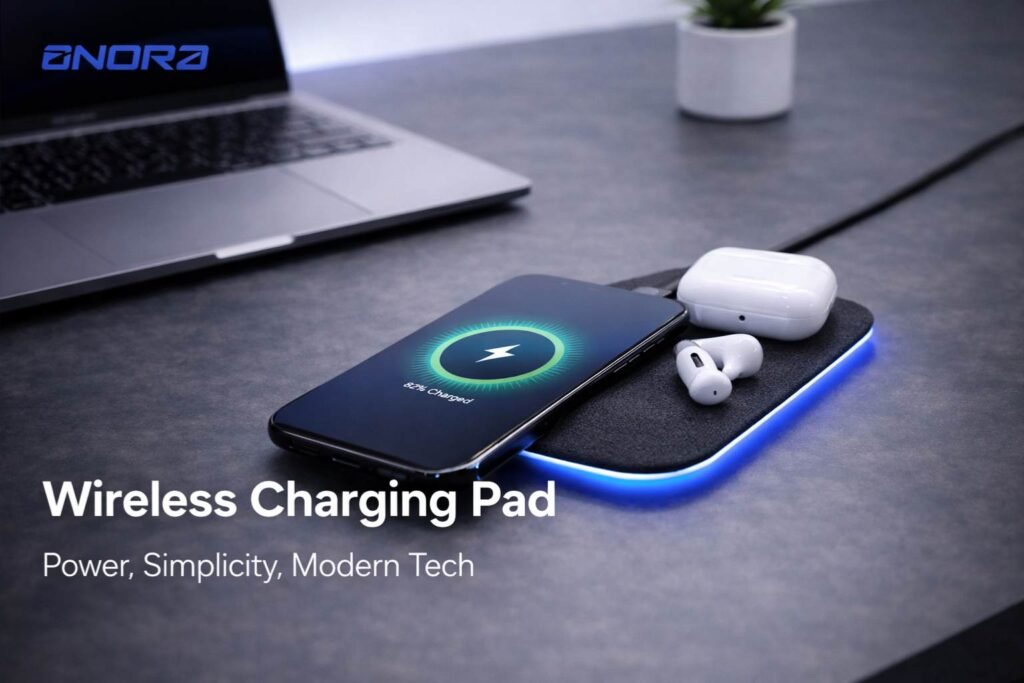
Charging cables everywhere? Time for an upgrade.
A wireless charging pad:
- Reduces cable clutter
- Keeps your devices powered effortlessly
- Adds a sleek, modern touch
For multiple devices, go for a multi-port fast charger.
Best for: Smartphones, earbuds, and smartwatches.
👉 Shop Now: Power up your devices with a fast, clutter-free charging solution.
10. Smart Power Strip
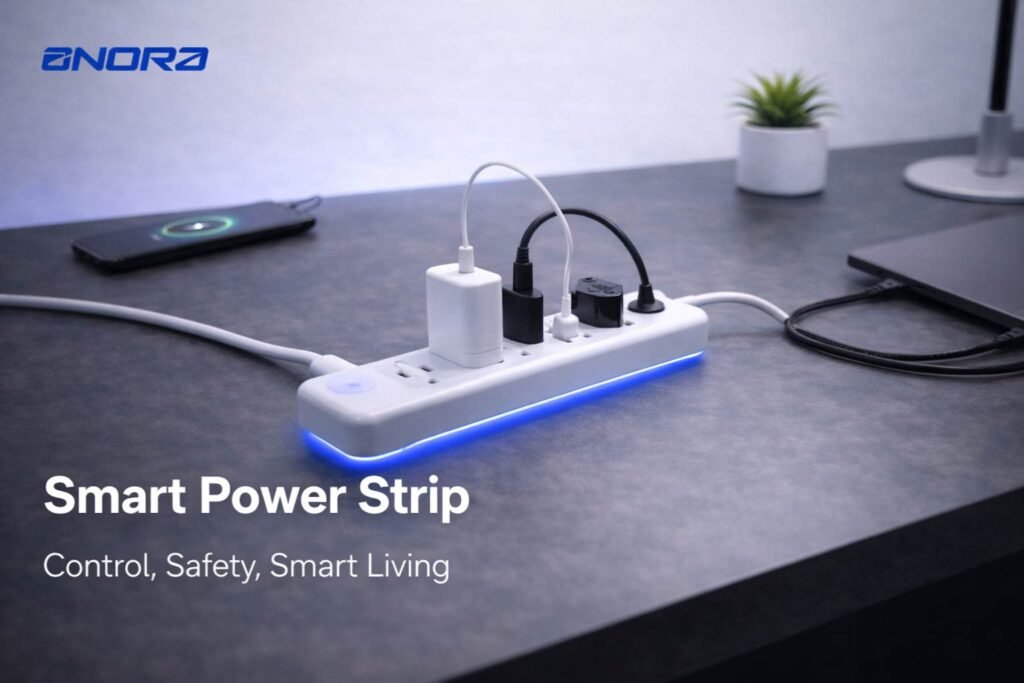
A smart power strip takes your setup to the next level.
Features include:
- Surge protection
- USB charging ports
- App or voice control
You can:
- Turn devices on/off remotely
- Save energy
- Protect your electronics
Smart upgrade: Convenience meets safety.
👉 Shop Now: Control your workspace power with a smart power strip.
11. Desk Mat for Style and Protection
A desk mat isn’t just for looks—it’s functional too.
Benefits include:
- Protecting your desk surface
- Providing a smooth surface for your mouse
- Adding a stylish touch
Available in leather, fabric, and waterproof materials, desk mats can completely transform your desk’s appearance.
12. External Storage (SSD or Hard Drive)
Running out of space can slow down your workflow.
An external SSD offers:
- Fast file transfers
- Reliable backups
- Extra storage for large files
Perfect for:
- Designers
- Video editors
- Professionals handling large data
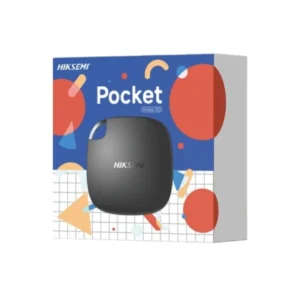
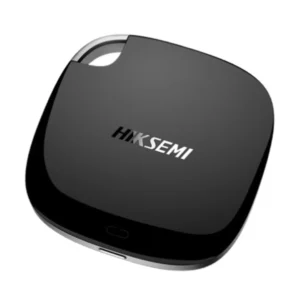


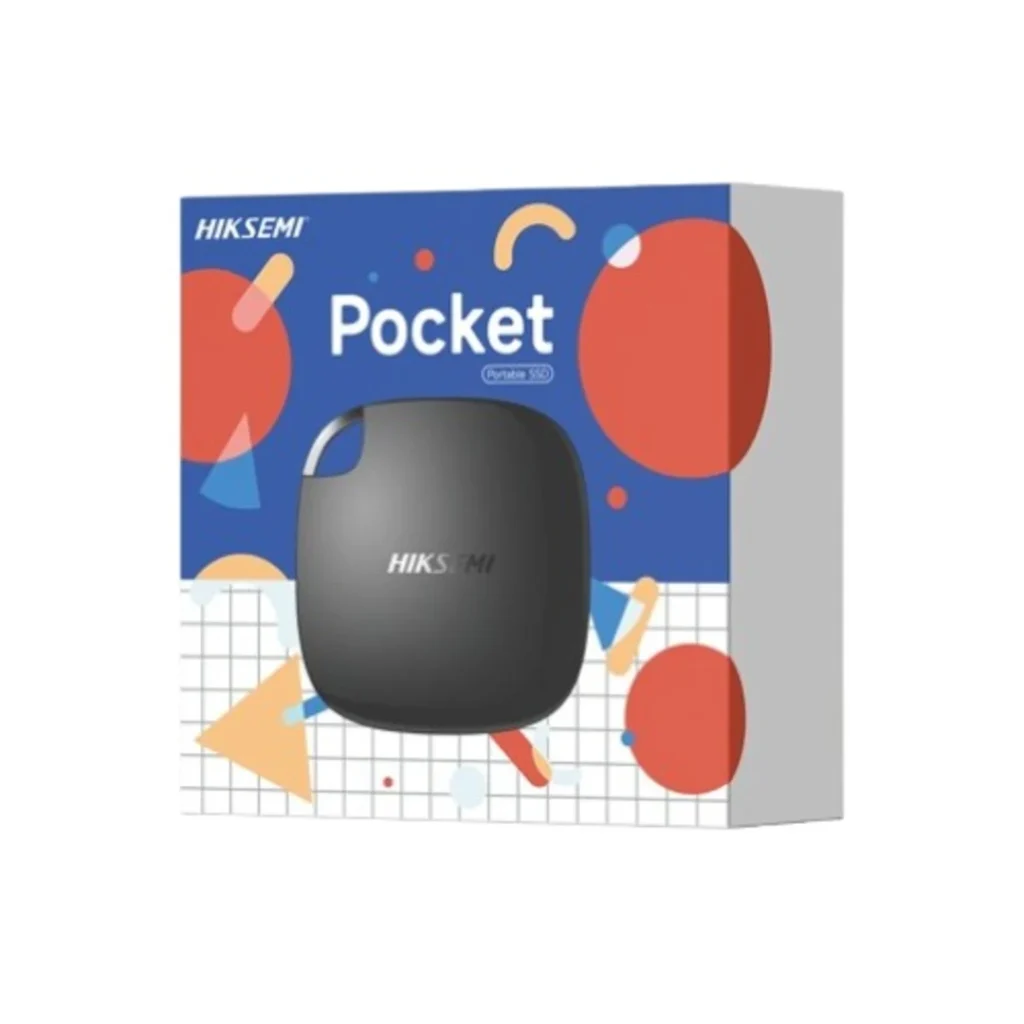
👉 Shop Now: Expand your storage with a high-speed external SSD.
If you’re building the ultimate setup, check out these related guides:
- Best Gadgets for Remote Work and Productivity
- Must-Have Smartphone Accessories for Daily Use
- Fast Charging Gadgets You Need in 2026
These guides will help you discover even more tools to optimize your workspace.
How to Choose the Right Desk Setup Gadgets
Before you start buying, consider these key factors:
1. Your Workflow
Choose gadgets that match your daily tasks. For example:
- Designers need color-accurate monitors
- Writers need ergonomic keyboards
2. Desk Space
Avoid overcrowding your desk. Focus on essentials that add value.
3. Budget
Start with high-impact upgrades like:
- Monitor arm
- Lighting
- Cable management
Then expand gradually.
4. Compatibility
Ensure all gadgets work seamlessly with your devices.
Final Thoughts
Upgrading your workspace doesn’t require a complete overhaul. With the right desk setup gadgets, you can dramatically improve your productivity, comfort, and overall experience.
Start with small changes—like better lighting or cable management—and gradually build your dream setup. Each upgrade brings you closer to a workspace that not only looks great but works efficiently.
Ready to Upgrade Your Workspace?
Don’t settle for a basic desk setup. Transform your workspace into a productivity powerhouse with the latest gadgets.