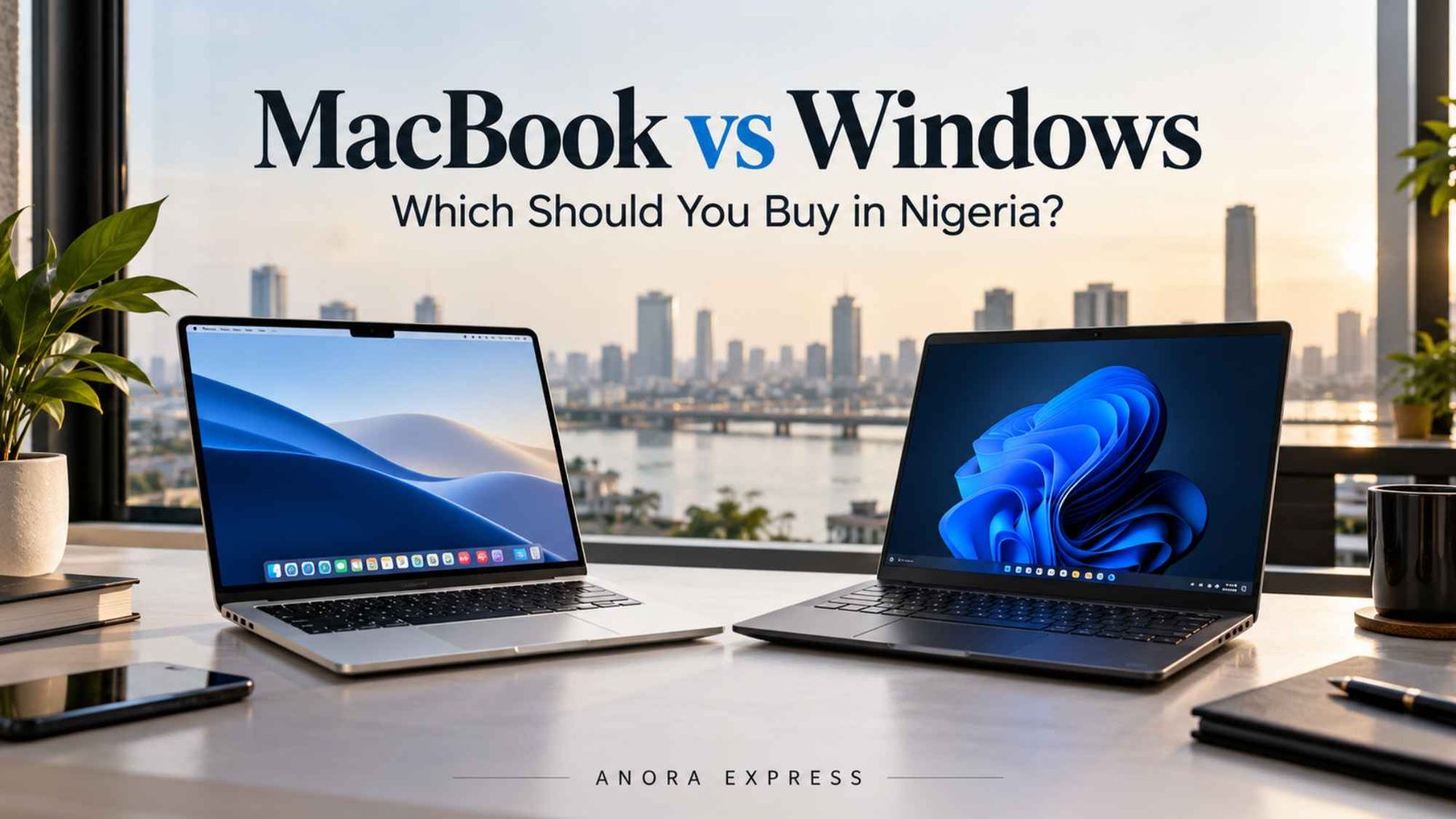
Choosing between a MacBook and a Windows laptop can be difficult, especially when you are spending a significant amount of money on a computer in Nigeria. Both platforms offer excellent performance, long battery life, and modern features. However, they are designed with different users and priorities in mind.
For some buyers, a MacBook makes more sense because of its battery life, build quality, software experience and strong performance. For others, a Windows laptop offers better hardware variety, more ports, easier upgrades and a wider range of prices.
So, which should you buy?
The answer depends on what you do, your budget and how you plan to use your laptop.
In this MacBook vs Windows laptop comparison, we will look at performance, price, battery life, software, gaming, portability, repairability and everyday usability. By the end, you should have a clearer idea of which option fits your needs in Nigeria.
MacBook vs Windows Laptop at a Glance
| Feature | MacBook | Windows Laptop |
|---|---|---|
| Operating system | macOS | Windows |
| Performance | Excellent, especially Apple Silicon models | Excellent, depending on processor and configuration |
| Battery life | Usually excellent | Varies widely by model |
| Build quality | Generally premium | Ranges from budget to premium |
| Price range | Mostly mid-range to premium | Budget to premium |
| Gaming | Limited compared with Windows | Much better selection |
| Software compatibility | Excellent for creative and professional work | Excellent overall software compatibility |
| Hardware variety | Limited | Very wide |
| Ports | Often limited on thinner models | Varies, often more flexible |
| Upgradability | Usually limited | Depends on the laptop |
| Best for | Creators, professionals, students and Apple users | Students, businesses, gamers and general users |
What Is the Difference Between a MacBook and a Windows Laptop?
The biggest difference is the operating system.
MacBooks run Apple’s macOS, while Windows laptops run Microsoft’s Windows operating system. However, the difference goes beyond the software.
Apple controls both the hardware and software used in MacBooks. This allows the company to closely optimise macOS for its processors and devices.
Windows laptops are produced by many manufacturers, including Dell, HP, Lenovo, ASUS, Acer and others. This creates a much wider selection of hardware.
You can therefore find Windows laptops designed for almost every type of user.
There are affordable laptops for students, business laptops for professionals, powerful machines for developers, premium ultrabooks and high-performance gaming laptops.
MacBooks have a more focused product range. The trade-off is that Apple offers a consistent hardware and software experience across its lineup.
MacBook vs Windows Laptop: Performance

Performance is one of the most important factors when choosing a laptop.
Modern MacBooks use Apple’s silicon processors, which deliver strong performance while maintaining impressive power efficiency. This combination makes MacBooks particularly attractive to professionals who need a fast laptop that can also last through a long working day.
A MacBook can handle tasks such as:
- Web development
- Software development
- Photo editing
- Video editing
- Graphic design
- Office productivity
- Multitasking
- Music production
Windows laptops can be equally powerful.
In fact, Windows gives you more choice when it comes to processors, memory configurations and dedicated graphics. A high-end Windows laptop with a powerful Intel, AMD or NVIDIA configuration can deliver exceptional performance for demanding workloads.
Therefore, the winner depends on the specific laptop rather than simply the operating system.
A ₦300,000 Windows laptop should not be compared directly with a high-end MacBook Pro. Compare devices within the same performance and price category instead.
Performance Winner: Tie
MacBook is excellent for efficient everyday and professional workloads. Windows wins when you want a wider range of hardware configurations, especially powerful dedicated graphics.
MacBook vs Windows Laptop: Price in Nigeria
Price is a major consideration for Nigerian buyers.
One advantage of Windows laptops is the huge range of available prices. You can find entry-level Windows machines for basic tasks and premium models that compete directly with MacBook Pro and MacBook Air models.
MacBooks generally occupy the mid-range and premium segments.
This means the initial purchase price can be higher, especially when you want a MacBook with more RAM and storage.
However, price should not be the only consideration.
Consider the complete ownership cost, including:
- Storage
- RAM
- Accessories
- Chargers
- Repairs
- Battery replacement
- Software
- Expected lifespan
- Resale value
For example, buying a cheaper laptop that becomes slow after a few years may not represent better value than purchasing a more expensive laptop that remains useful for longer.
Price Winner: Windows
Windows laptops provide significantly more options for different budgets.
Battery Life

Battery life is another area where MacBooks are particularly strong.
Apple’s processors are designed around power efficiency, allowing many MacBook models to deliver strong battery performance without requiring extremely large batteries.
This can be useful if you work away from a power outlet, travel frequently or spend long periods working from cafes, offices or school environments.
Windows laptops vary considerably.
Premium Windows ultrabooks can offer excellent battery life, while gaming laptops and high-performance workstations often consume considerably more power.
Therefore, you should check the battery performance of the specific Windows model rather than assuming all Windows laptops perform the same way.
Battery Winner: MacBook
MacBooks generally offer a more consistent battery-life experience across their lineup.
Software and Compatibility
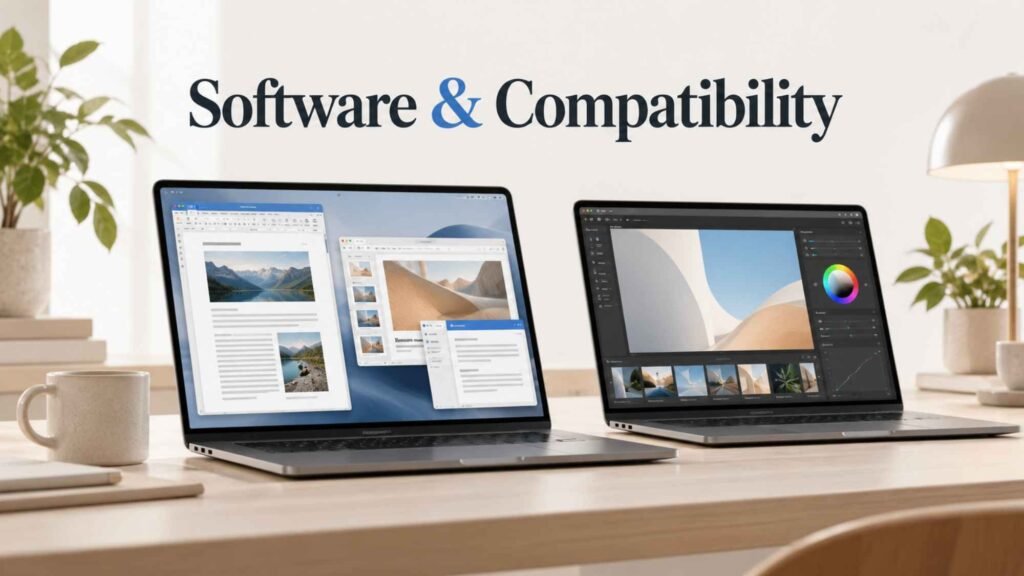
Windows has one of the biggest advantages in software compatibility.
Because Windows is used across a huge range of computers, most business applications, utilities and specialised software are available for it.
This is particularly important for businesses and professionals who depend on Windows-specific applications.
macOS also supports a huge range of professional software.
It is particularly popular among developers, designers, photographers, video editors and other creative professionals.
However, before buying a MacBook, check that every application you use is compatible with macOS.
This is especially important if your school, company or professional workflow requires Windows-only software.
Software Winner: Windows
Windows gets the advantage because of its broader hardware and software compatibility.
MacBook vs Windows for Students in Nigeria

For students, both platforms can work well.
A MacBook can be an excellent choice for students who value portability, battery life, build quality and a simple user experience.
It is especially attractive for students studying areas such as:
- Computer science
- Software engineering
- Graphic design
- Media
- Photography
- Video production
- Business
However, Windows can be the better choice if budget is the main concern.
You can find capable Windows laptops at considerably lower prices. This makes Windows more accessible for students who primarily need Microsoft Office, browsing, online classes, research and general productivity.
Student Winner: Windows for value, MacBook for premium experience
If your budget allows, a MacBook can be an excellent long-term student computer. If you need to maximise your budget, Windows offers more options.
MacBook vs Windows for Business

For business users, the decision depends heavily on the software and workflow involved.
Windows remains extremely popular in business environments because of its compatibility with enterprise applications and peripherals.
It also provides a large selection of business laptops from manufacturers such as Lenovo, Dell and HP.
MacBooks are also excellent business machines, particularly for professionals who value portability, battery life and premium hardware.
For freelancers, consultants, developers, designers and digital professionals, a MacBook can be a very strong option.
Business Winner: Depends on your workflow
Choose Windows when compatibility with business software is your priority. Choose MacBook when portability, battery life and the Apple ecosystem matter more.
MacBook vs Windows for Programming
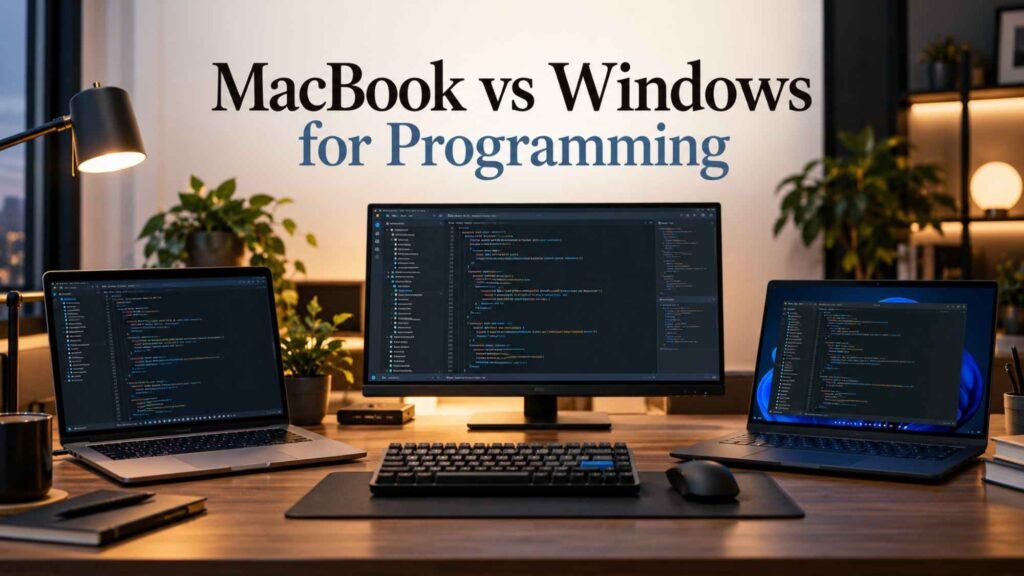
Both platforms are capable development machines.
MacBooks are particularly popular among developers because macOS is Unix-based and provides a development environment that works well with many programming tools.
Developers working with technologies such as JavaScript, TypeScript, Python, Java, PHP and other languages can comfortably use either platform.
Windows has also become much stronger for software development, particularly with modern development environments and tools such as Windows Subsystem for Linux.
If you work with .NET, Windows-specific enterprise software or certain Windows development environments, a Windows laptop may be the more convenient choice.
For web development, mobile development and general programming, either platform can work very well.
Programming Winner: Slight advantage to MacBook
For many developers, macOS offers a convenient development environment. However, Windows remains an excellent option and can be the better choice for Windows-specific development.
MacBook vs Windows for Gaming
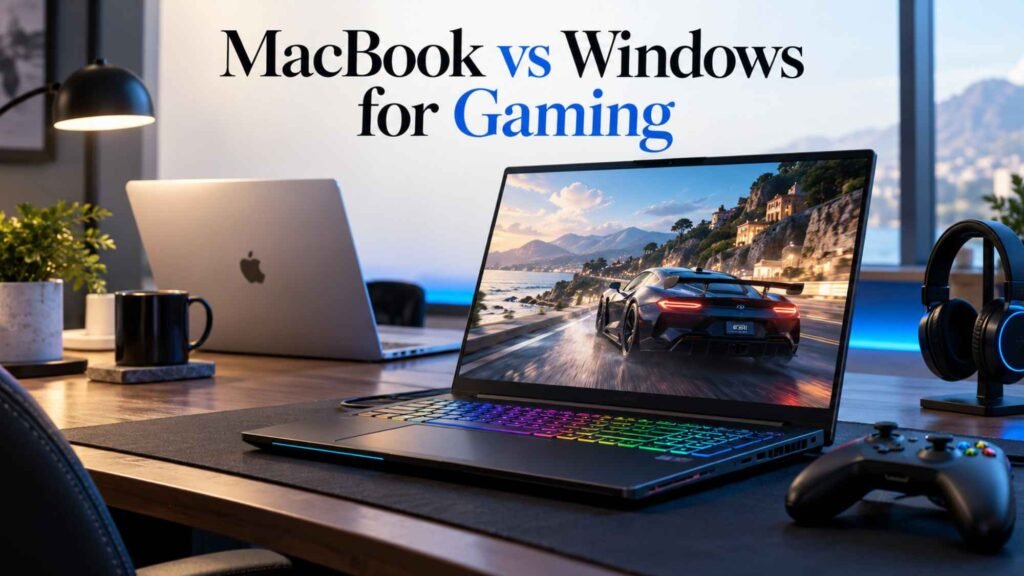
If gaming is important, Windows is the clear winner.
The Windows ecosystem offers far more gaming hardware and software. You can choose laptops with dedicated NVIDIA or AMD graphics, high-refresh-rate displays and powerful cooling systems.
There are also significantly more PC games designed specifically for Windows.
MacBooks can handle some games, but gaming is not their primary purpose.
If you want one laptop for serious gaming, Windows is the safer choice.
Gaming Winner: Windows
For serious PC gaming, choose Windows.
Design and Build Quality
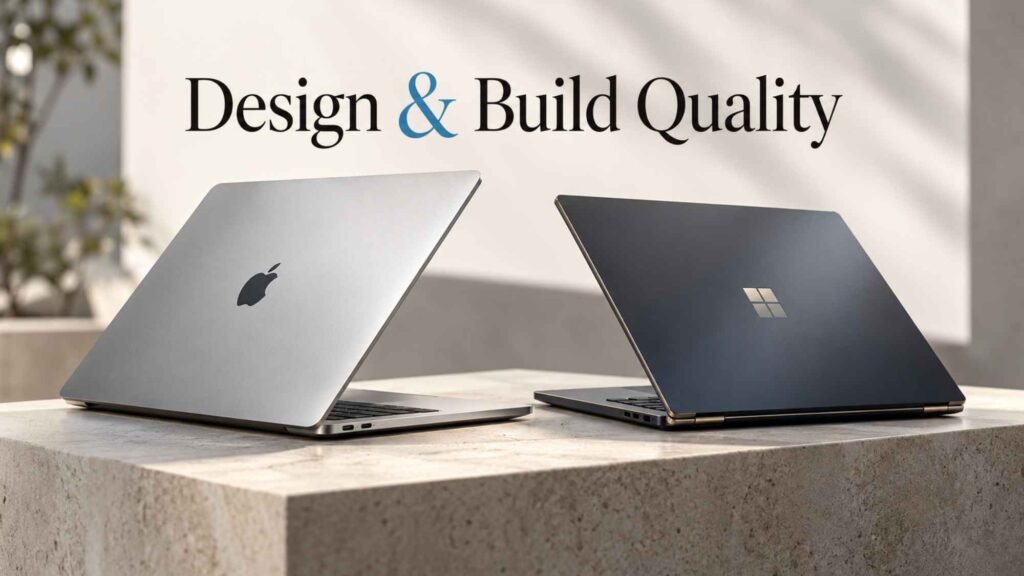
MacBooks are known for their premium aluminium construction and minimalist design.
Apple places considerable emphasis on the physical design of its computers. The result is a laptop that generally feels premium and solid.
Windows laptops vary.
Some affordable models use plastic construction, while premium models from brands such as Dell, Lenovo, HP and ASUS can offer excellent build quality.
This means you should not judge Windows laptops as a single category.
A premium Windows ultrabook can compete directly with a MacBook in design and build quality.
Design Winner: MacBook
MacBook generally has the advantage for consistency and premium construction.
Port Selection
Ports are an important consideration that is sometimes overlooked.
Some MacBook models use a relatively limited selection of ports, although higher-end models can provide a better selection.
Windows laptops offer much greater variety.
Depending on the model, you may find USB-A, USB-C, HDMI, Ethernet, SD card readers and other connections.
For photographers, videographers, business users and people who frequently connect external devices, this flexibility can be useful.
Ports Winner: Windows
Windows gives you more choices, although the exact port selection depends on the laptop.
Upgrades and Repairs
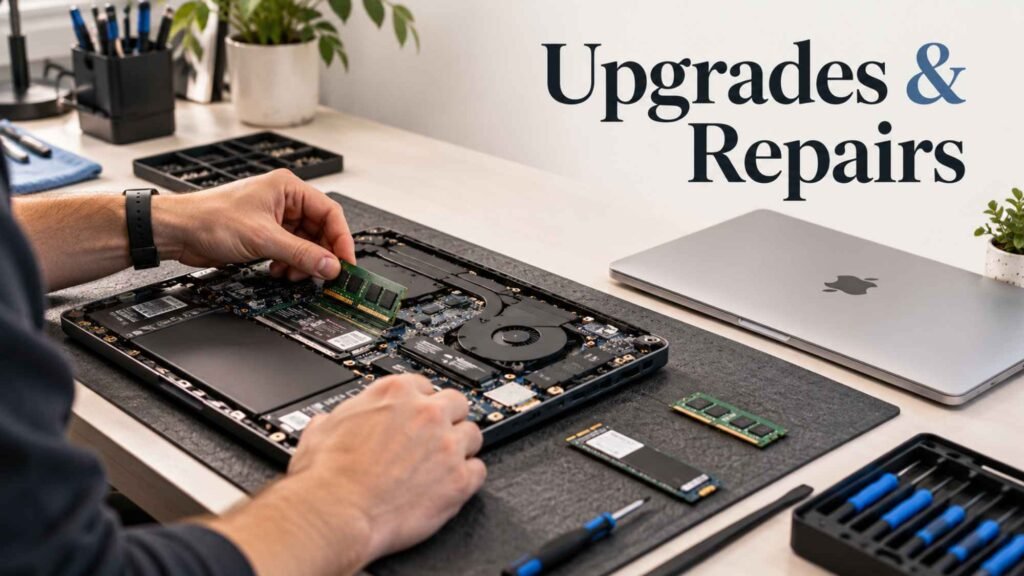
Another major difference is hardware flexibility.
Many Windows laptops provide some level of upgradeability. Depending on the model, you may be able to upgrade RAM or replace the SSD.
MacBooks are generally designed with a more integrated approach to hardware.
This can make upgrades and certain repairs more restrictive.
For Nigerian buyers, this is worth considering because repair and replacement costs can be significant.
Before buying any laptop, check whether the RAM and storage are upgradeable and whether replacement parts are readily available.
Upgradeability Winner: Windows
Windows laptops generally provide more hardware flexibility.
MacBook vs Windows: Which Is Better for Content Creators?

Content creators have strong options on both platforms.
MacBooks are particularly attractive for video editors, photographers, designers and musicians because of their performance, display quality, battery life and software ecosystem.
Windows can be equally powerful, especially when configured with a dedicated NVIDIA GPU.
For users working with demanding 3D applications, advanced video effects or GPU-intensive workloads, a powerful Windows workstation can provide excellent performance.
Creator Winner: Depends on the workload
Choose MacBook for a balanced portable creative workstation. Choose Windows if you need specialised GPU performance or specific Windows-based applications.
Which Is Easier to Use?

Ease of use is subjective.
macOS has a relatively consistent interface across Mac computers. Apple also controls the hardware and operating system, which creates a cohesive experience.
Windows gives users more flexibility and customisation.
That flexibility can be useful, but it also means experiences can vary considerably between different laptop manufacturers.
If you prefer simplicity and consistency, you may prefer MacBook.
If you prefer flexibility and greater hardware choice, Windows may suit you better.
Which Laptop Has Better Resale Value?
MacBooks often have strong resale value compared with many Windows laptops.
This is partly because Apple maintains a relatively focused product lineup and MacBooks have strong demand in the second-hand market.
Windows laptops vary significantly.
A premium Lenovo, Dell or ASUS laptop may retain value reasonably well, while cheaper models can depreciate much faster.
If you regularly upgrade your computer, resale value should be part of your buying decision.
MacBook vs Windows Laptop: Which Should You Buy in Nigeria?
There is no single winner for everyone.
The right choice depends on your budget and priorities.
Choose a MacBook if you:
- Want excellent battery life
- Prefer a premium build
- Work in creative fields
- Develop software
- Value portability
- Already use Apple devices
- Want a consistent software experience
- Are comfortable with macOS
Choose a Windows laptop if you:
- Have a limited or specific budget
- Want more hardware choices
- Need Windows-only software
- Want to play PC games
- Need dedicated graphics
- Want more ports
- Prefer upgradeable hardware
- Need a specific business or enterprise application
Our Recommendation for Nigerian Buyers
For many Nigerian buyers, Windows remains the more flexible choice because of its wider price range and hardware selection.
You can build a laptop around your actual budget instead of being restricted to a relatively small number of configurations.
However, MacBooks can provide excellent long-term value for users who can afford them and whose software requirements match macOS.
If you are a developer, designer, content creator, business professional or student with a larger budget, a MacBook can be a fantastic investment.
If you are gaming, working with Windows-specific applications or trying to get the most hardware for your money, Windows is usually the better choice.
The most important thing is to compare the specific laptop, not simply the brand or operating system.
A good Windows laptop can be better than an entry-level MacBook for one buyer, while a MacBook can be a much better investment than a similarly priced Windows machine for another.
Final Verdict
So, MacBook vs Windows laptop: which should you buy in Nigeria?
Choose MacBook for premium design, battery life, portability, creative work and a streamlined software experience.
Choose Windows for flexibility, gaming, wider pricing, hardware variety, software compatibility and upgradeability.
Before making your final decision, consider your budget, workload, software requirements and how long you expect to keep the laptop.
Most importantly, check the processor, RAM, storage, display, battery performance and warranty of the exact model you are considering.
For current laptop options and availability in Nigeria, browse the latest laptops available from Anora Express and compare specifications before making your purchase.
Quick Verdict
Best for premium everyday use: MacBook
Best for battery life: MacBook
Best for gaming: Windows
Best for hardware variety: Windows
Best for budget flexibility: Windows
Best for creative professionals: MacBook
Best for upgradeability: Windows
Best overall: It depends on your needs and budget.
To better understand the core platform differences, you can compare features across major desktop operating systems.
Ultimately, the **MacBook vs Windows laptop** decision comes down to your personal workflow, budget, and long-term expectations. If you prioritize power efficiency, seamless ecosystem integration, and strong resale value, choosing a MacBook is a smart investment. Conversely, if you require specialized software compatibility, extensive gaming capabilities, versatile hardware configurations, and a broader range of entry-level prices, a Windows machine remains the practical choice. Whichever platform you select, evaluating a **MacBook vs Windows laptop** requires looking beyond initial costs to consider complete ownership value, overall durability, and daily performance efficiency for your specific needs in Nigeria.